

ROCCAT Headset
ROCCAT delivers next-level gaming audio with its headsets. Models like ROCCAT Syn Max Air, Syn Pro, Syn Buds Air, Elo 7.1, Elo 7.1 USB, or Elo X Stereo headsets provide immersive sound and a competitive advantage.
Hour Wireless Battery Life
Precision-Tuned Audio
Surround / 7.1 Positional Sound
Grade, Detachable Microphones
RGB & Stellar Wireless Technology
Best-Selling ROCCAT Headsets
ROCCAT Headsets are engineered for players who demand competitive-grade audio and sound accuracy. The ROCCAT’s top-selling models, such as Syn Max Air, Syn Pro, Syn Buds Air, Elo 7.1, Elo 7.1 USB, and Elo X headsets, are available on Amazon. Both wired and wireless options provide a crystal-clear voice with their noise-cancelling microphones. The highly accurate sound acoustics and pinpoint positioning of audio enhance the gaming experience.


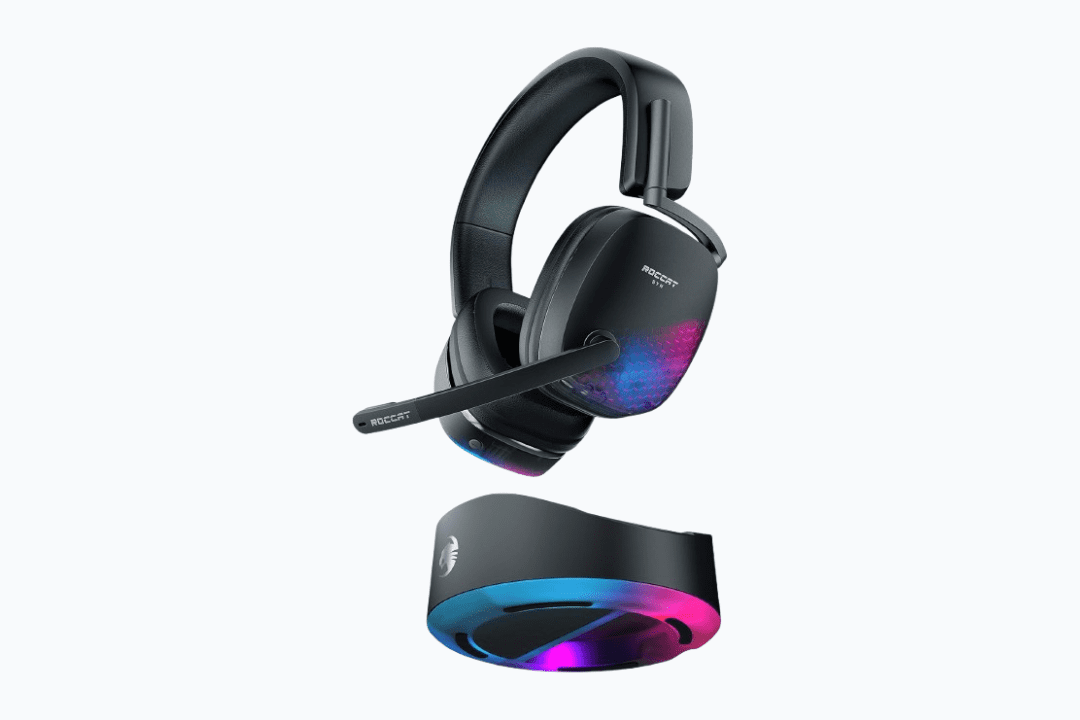
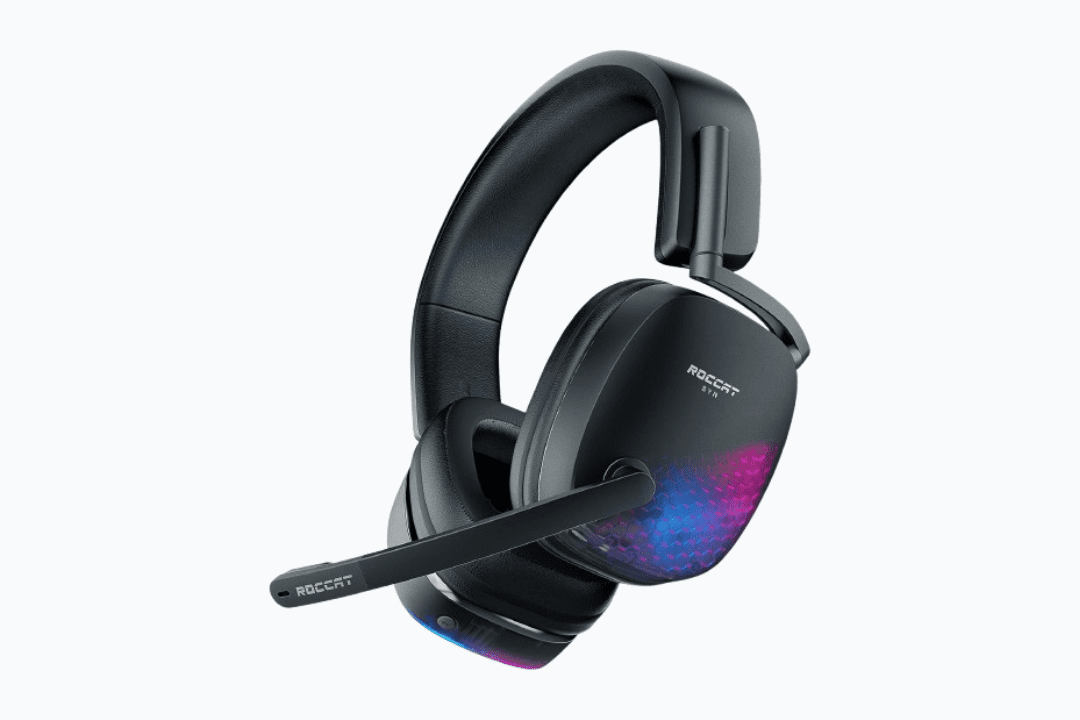
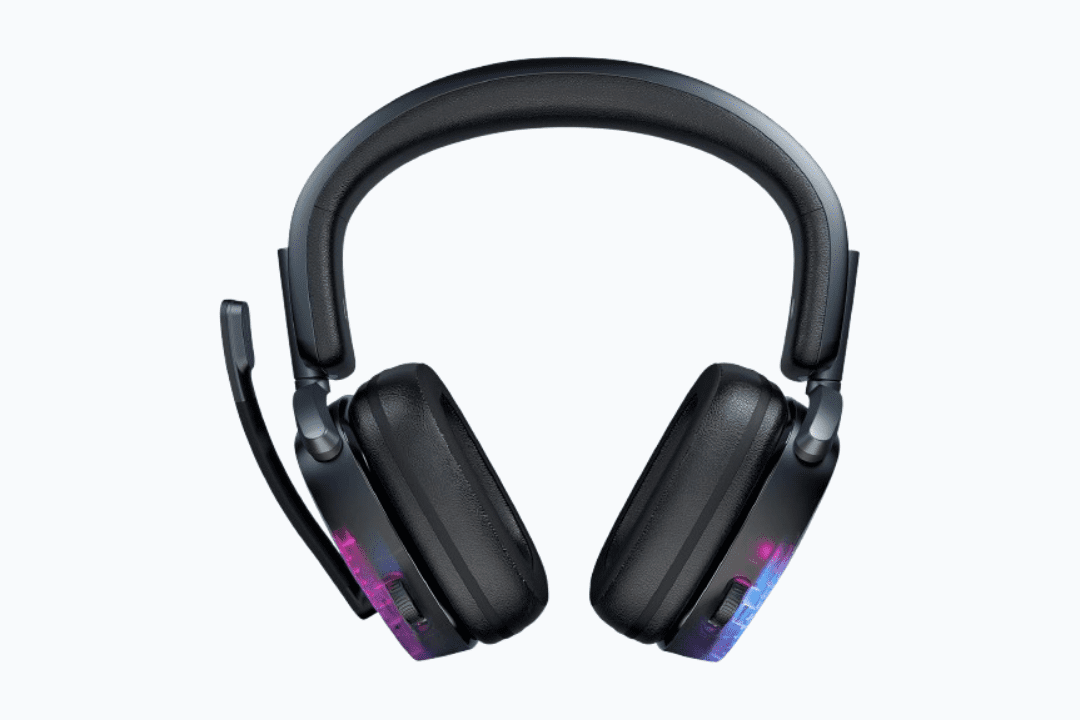
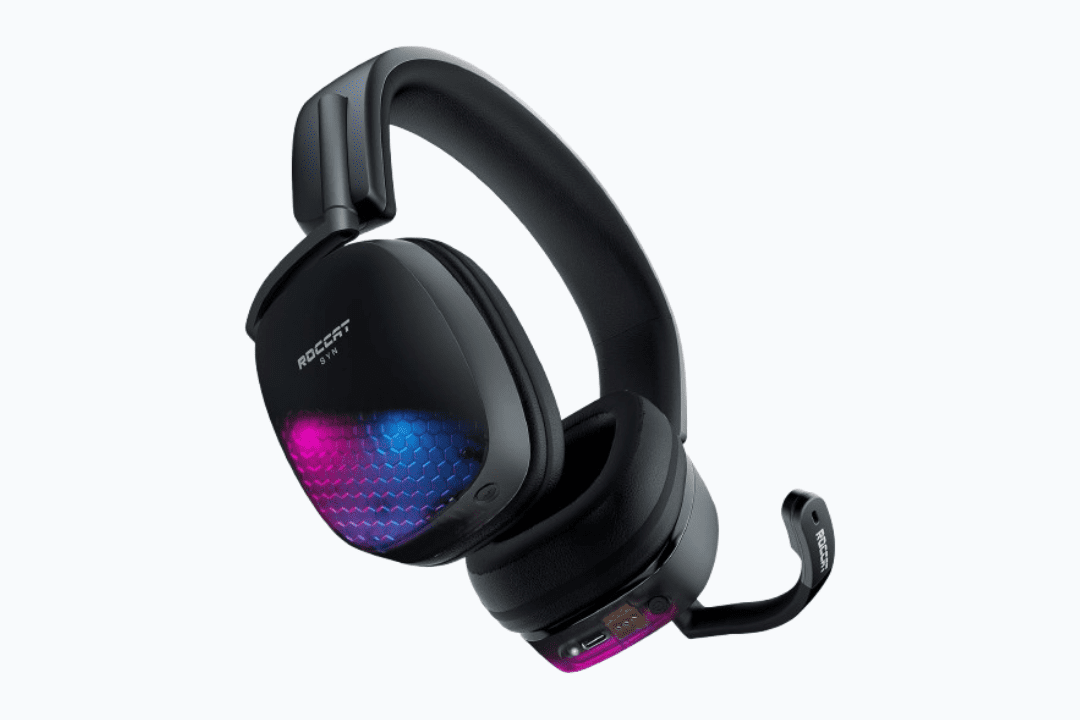
Syn Max Air Wireless 3D Audio Gaming Headset


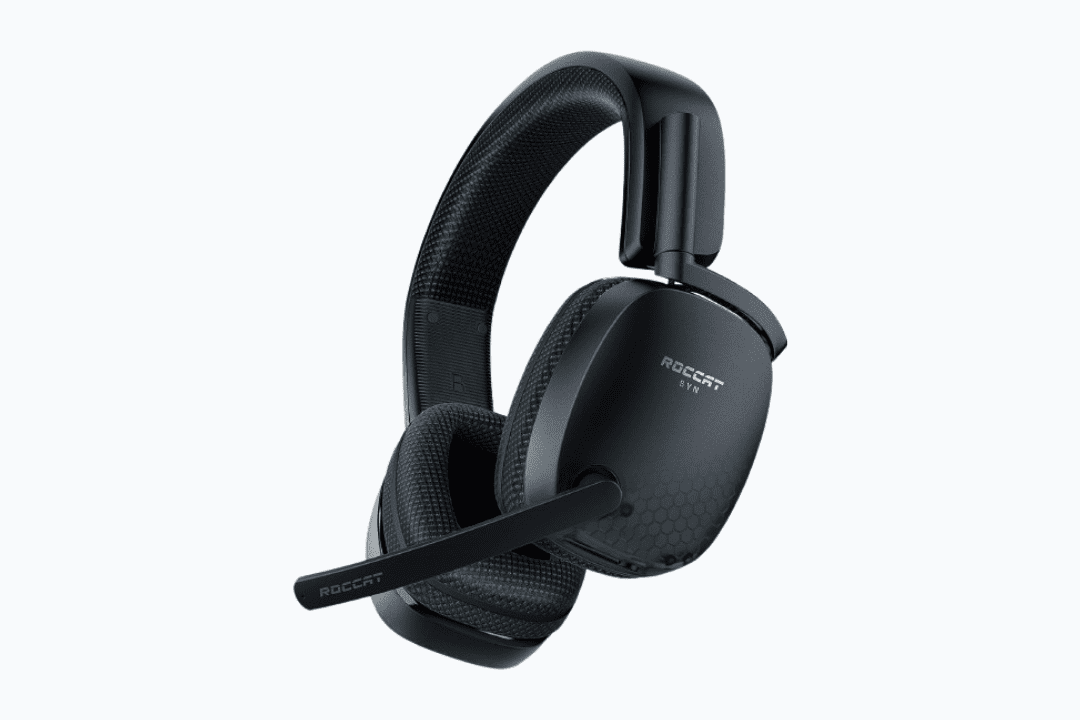
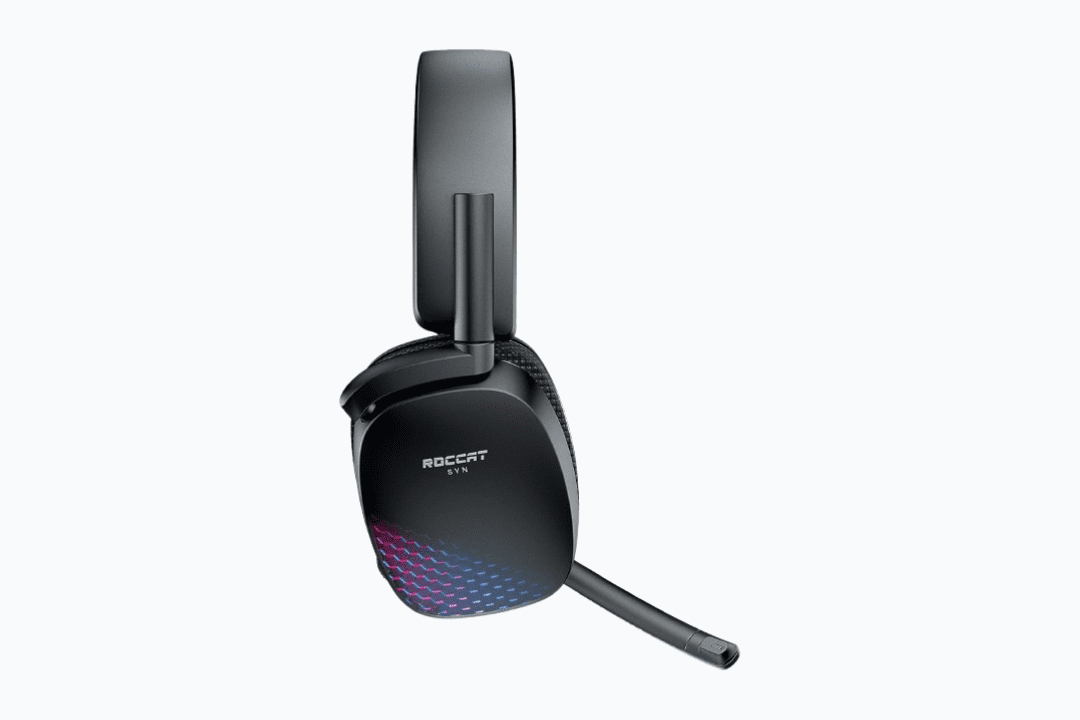
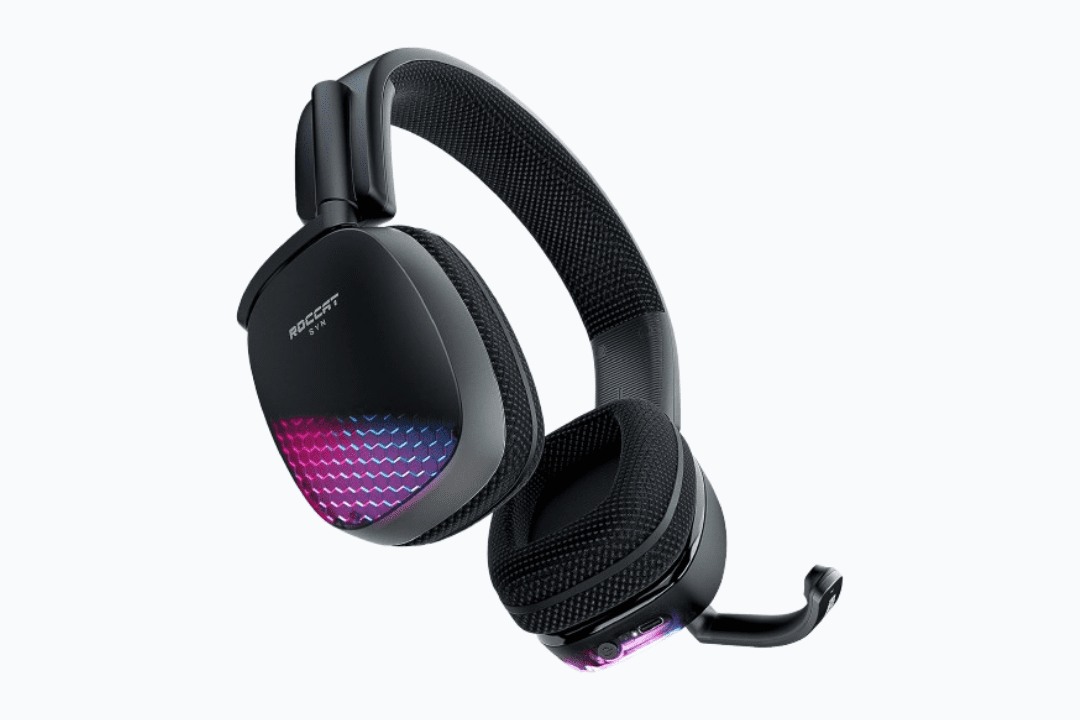
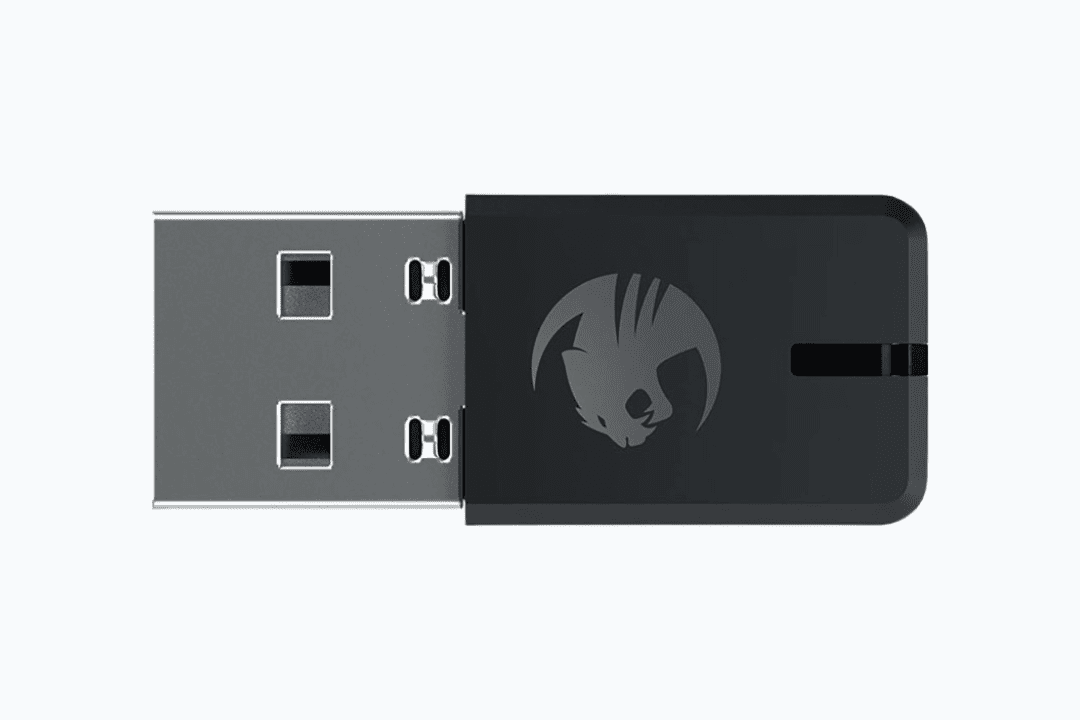
Roccat Syn Pro Air – Wireless Gaming Headset


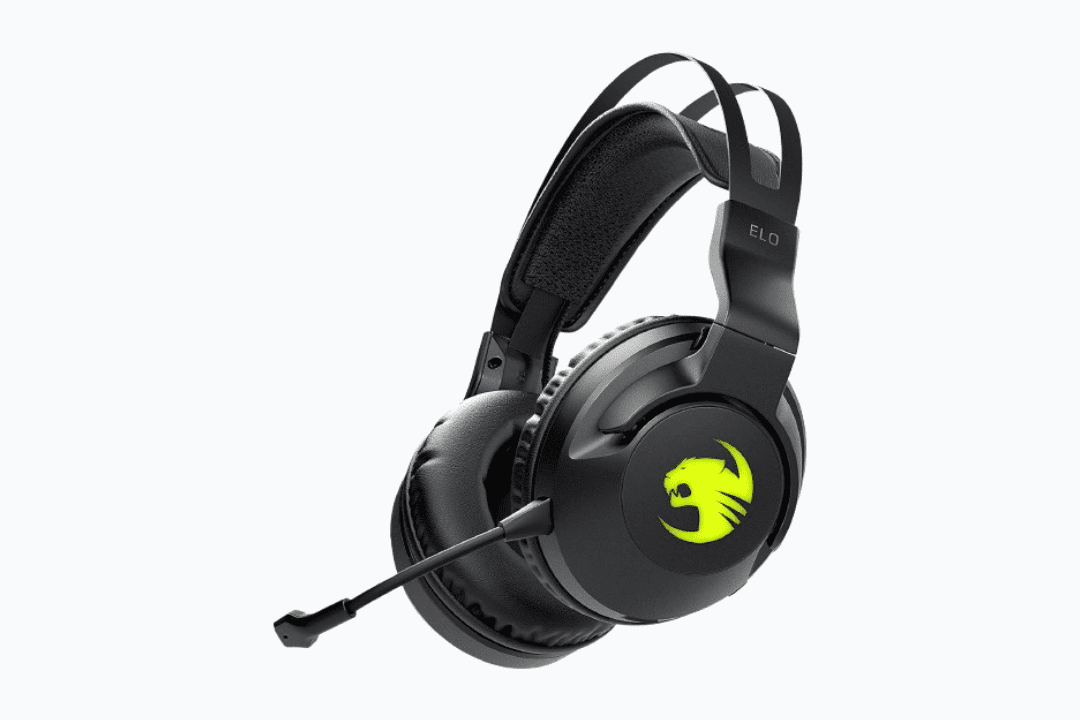
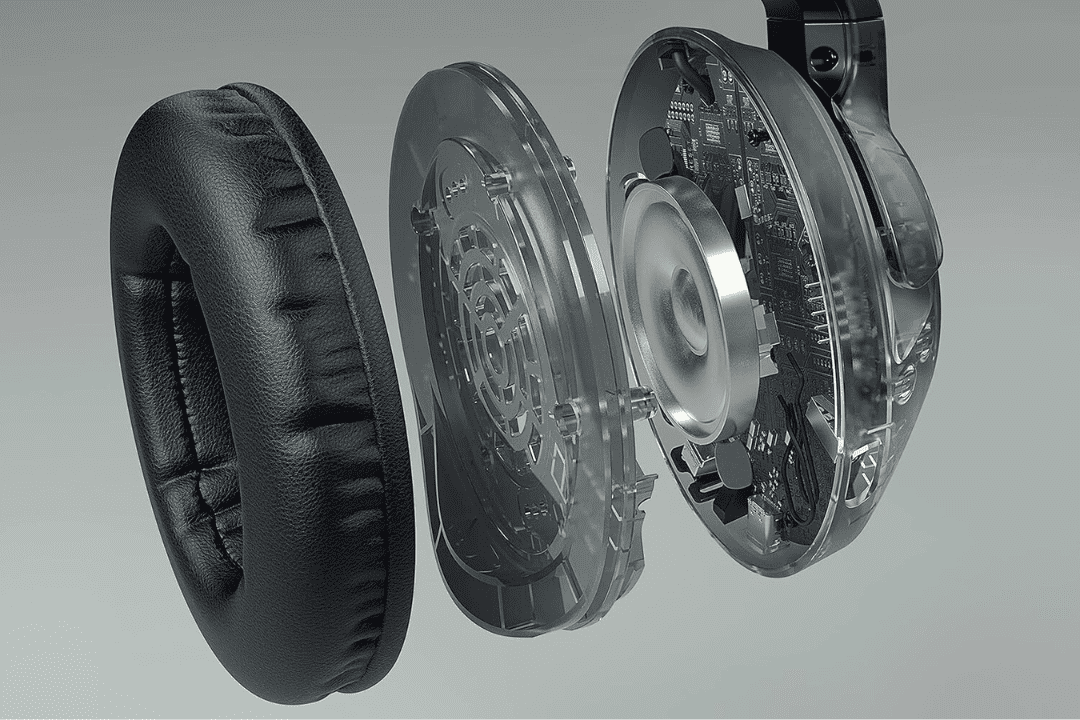
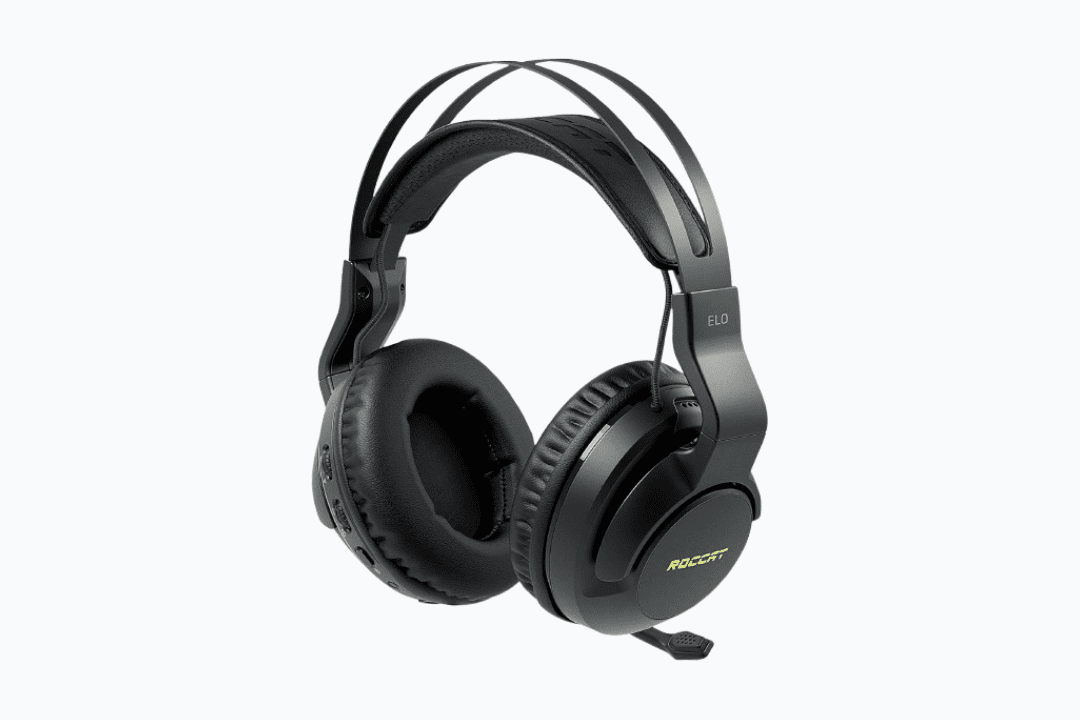
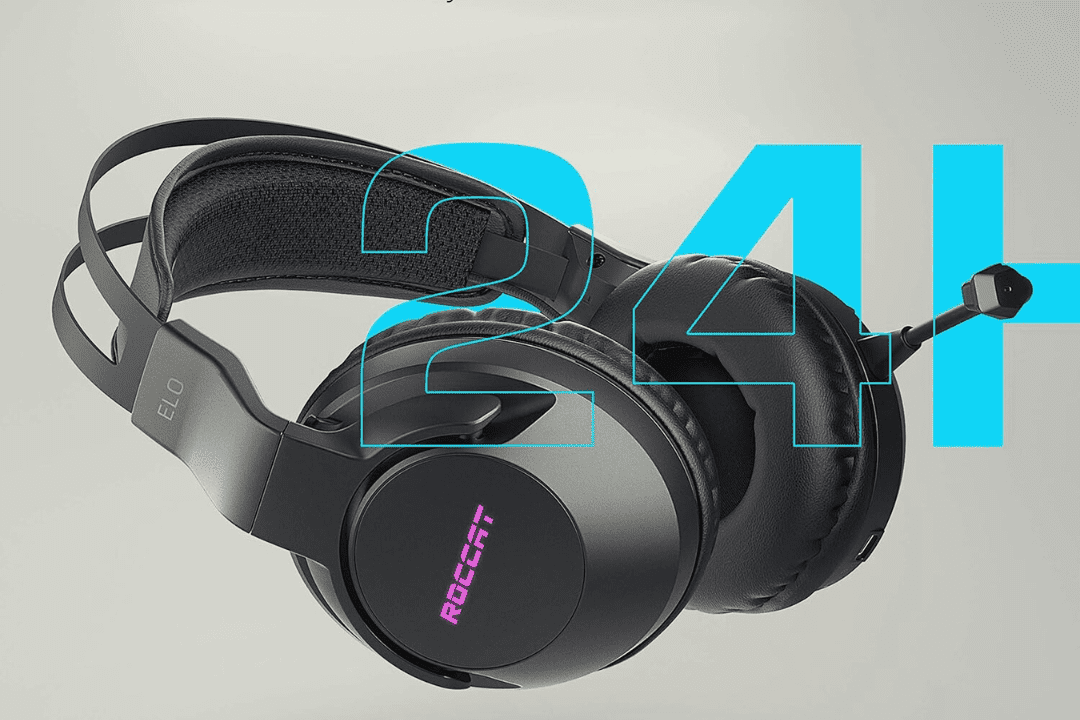
Roccat Elo 7.1 Air Wireless Surround-Sound RGB PC Gaming Headset


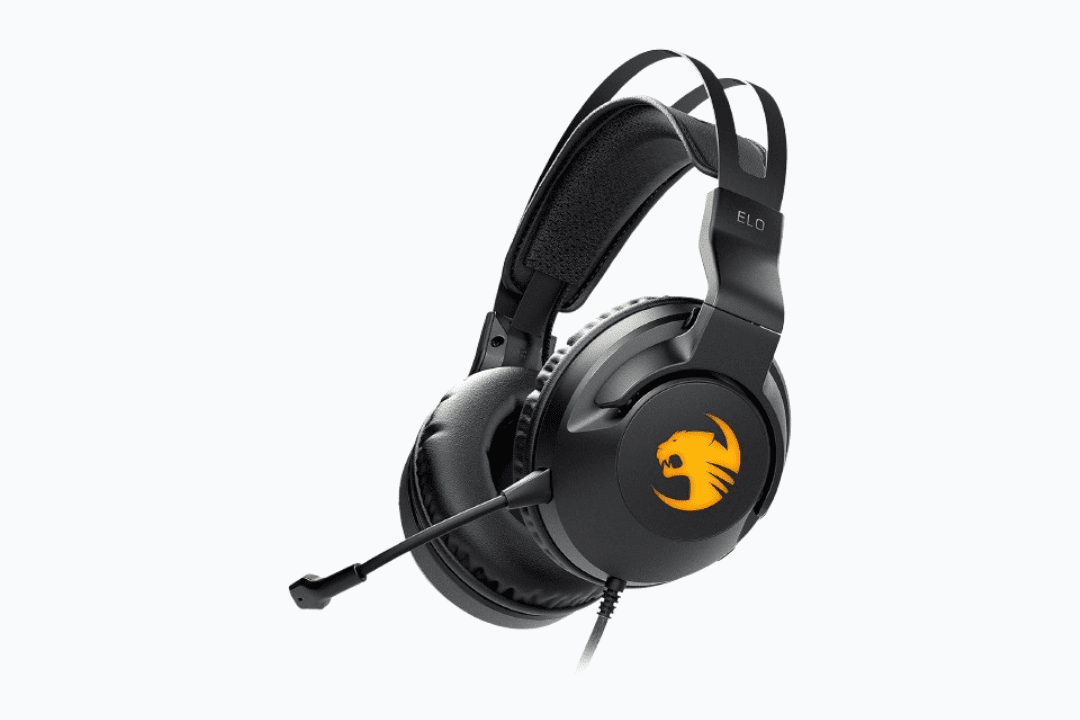
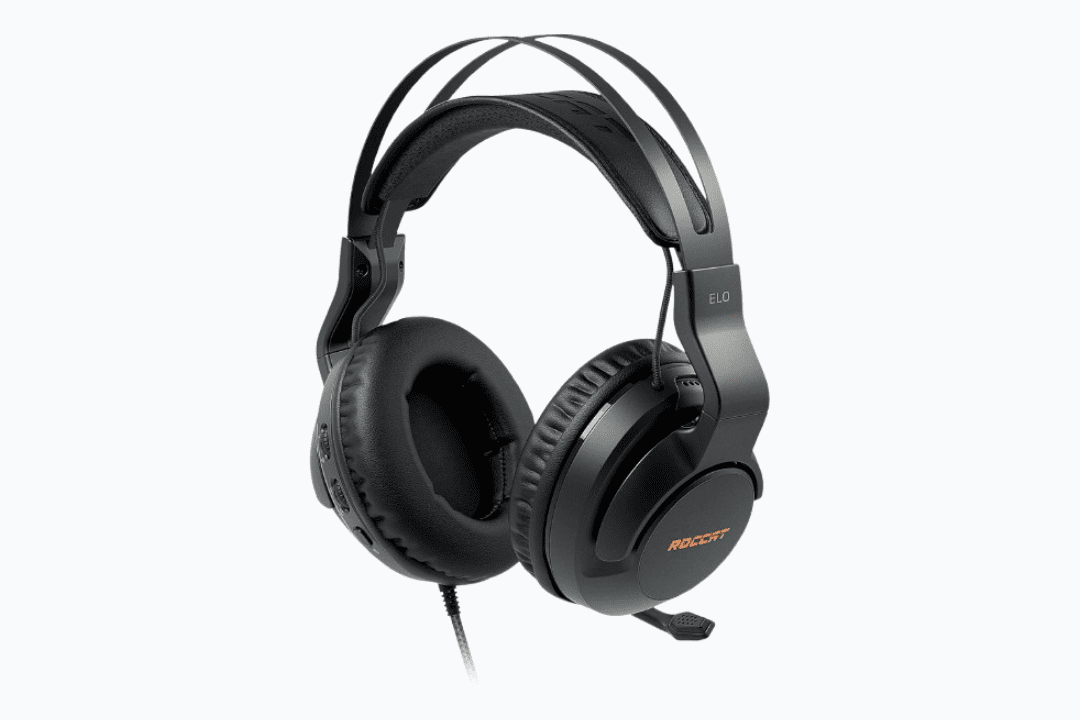
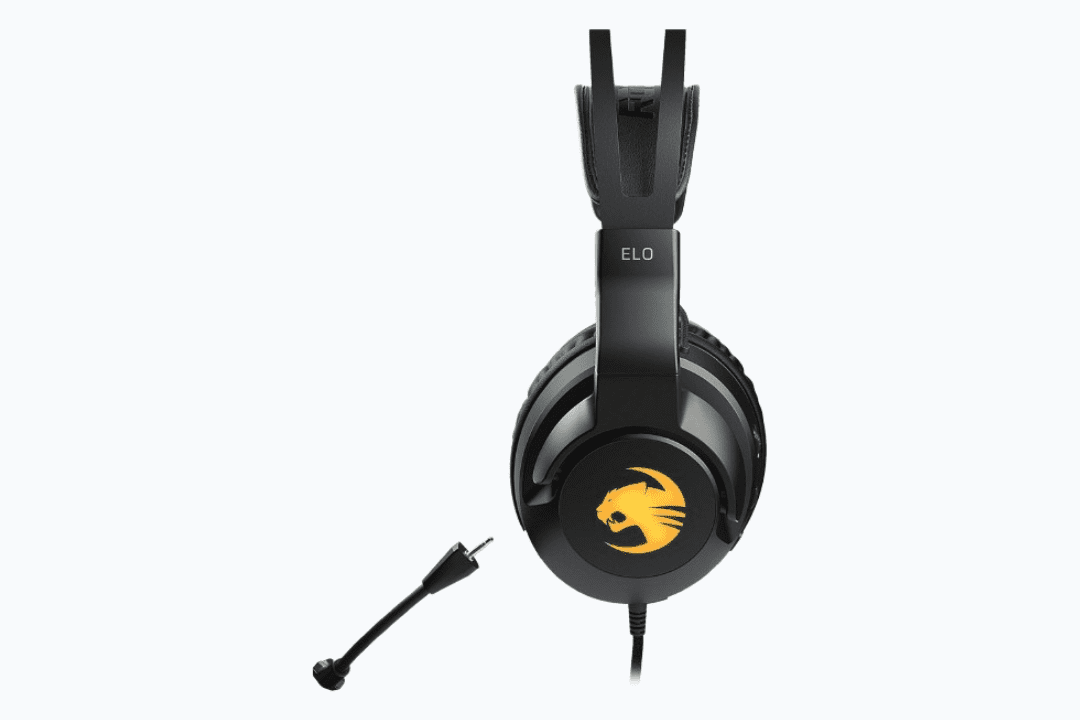
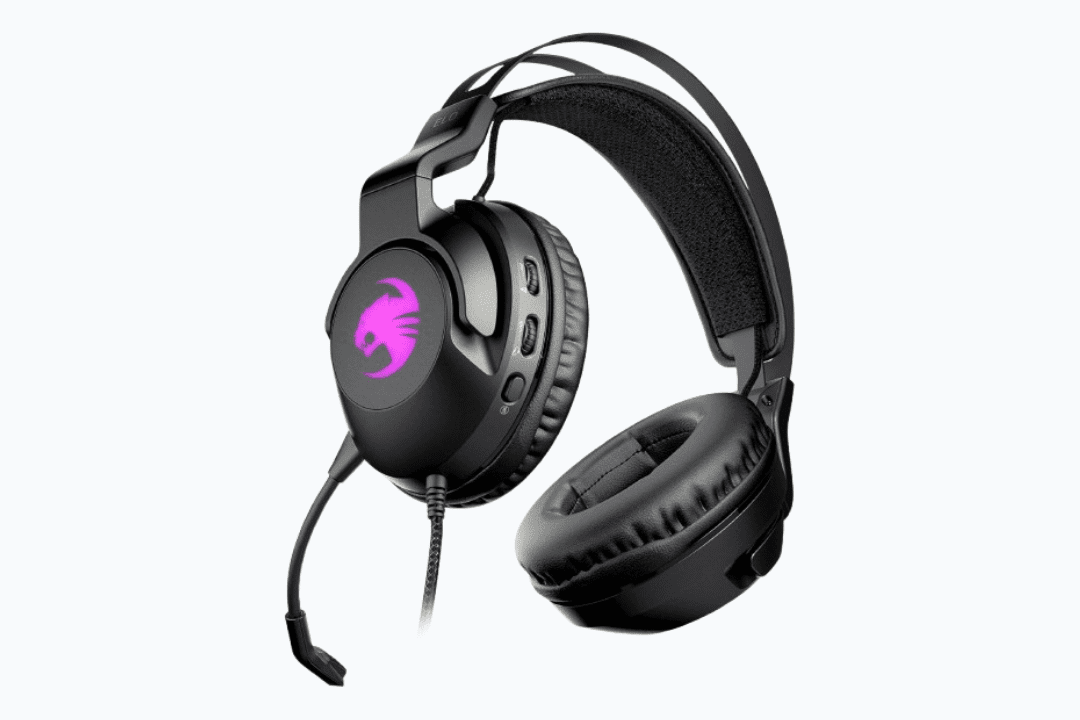
Elo 7.1 USB – Gaming Headset


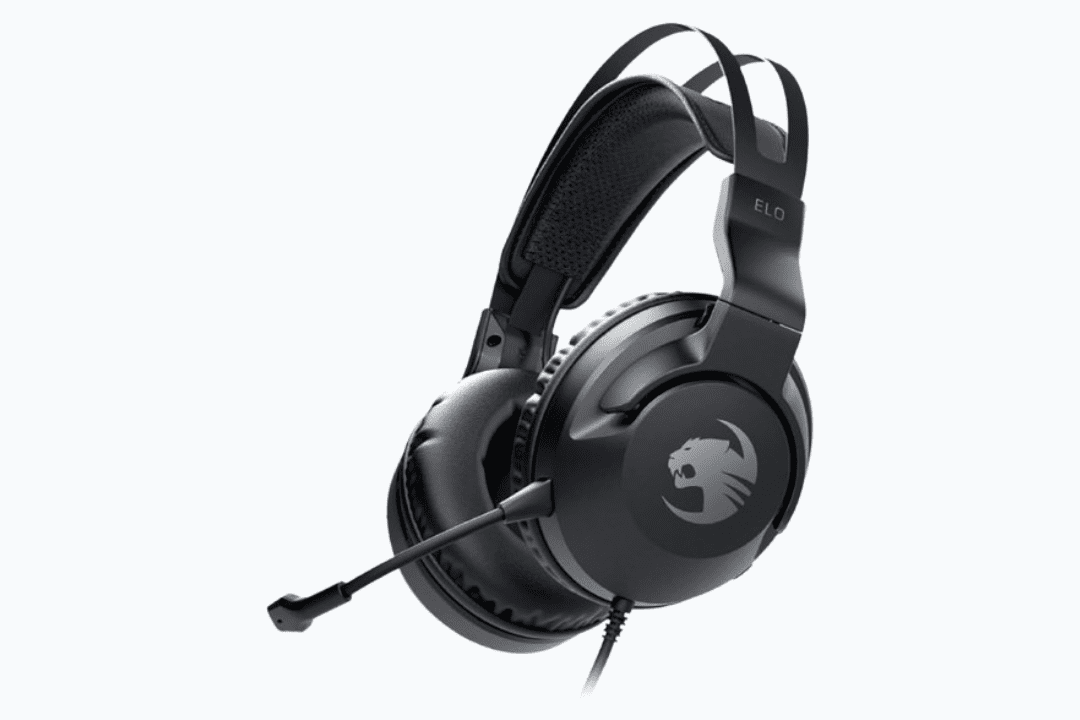
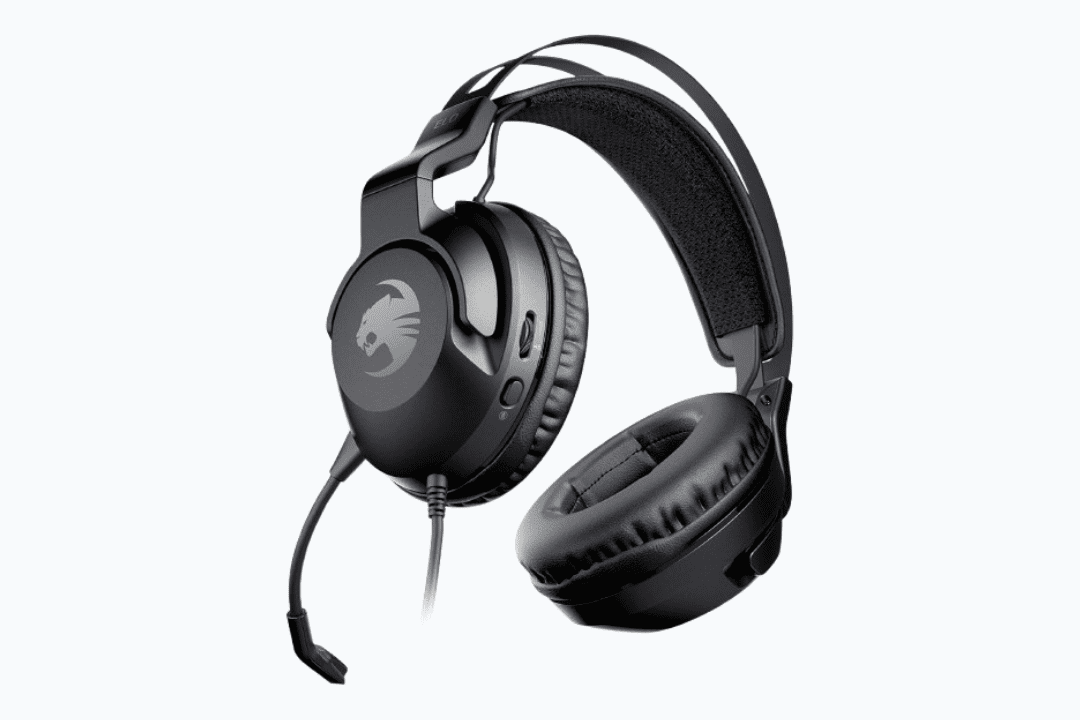
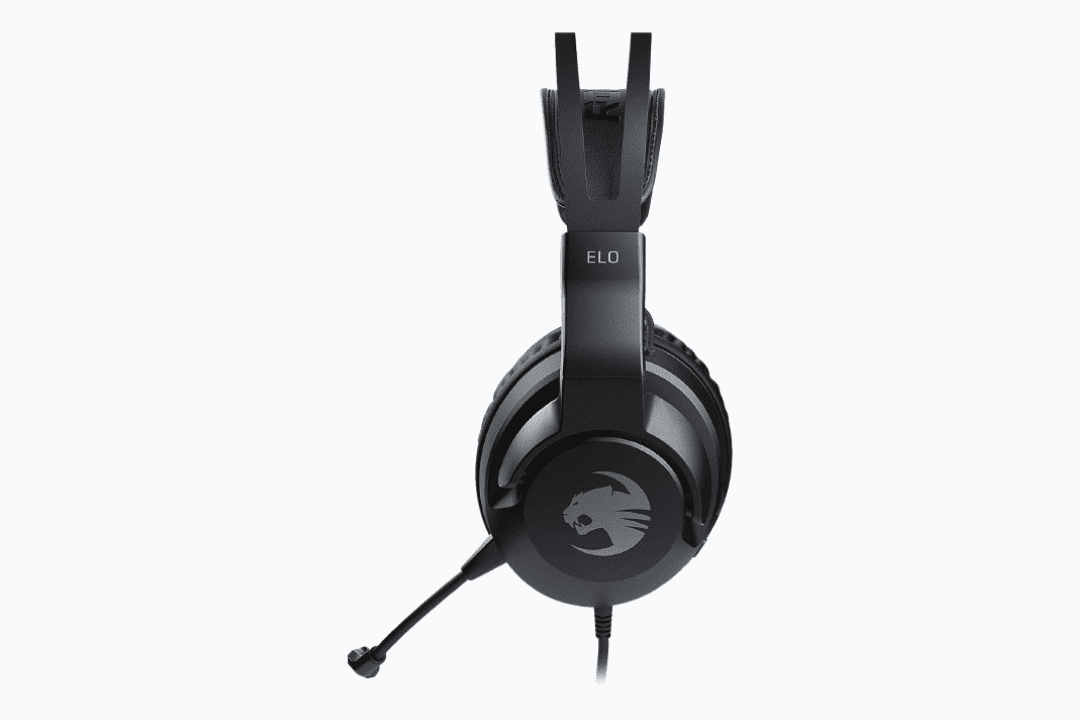
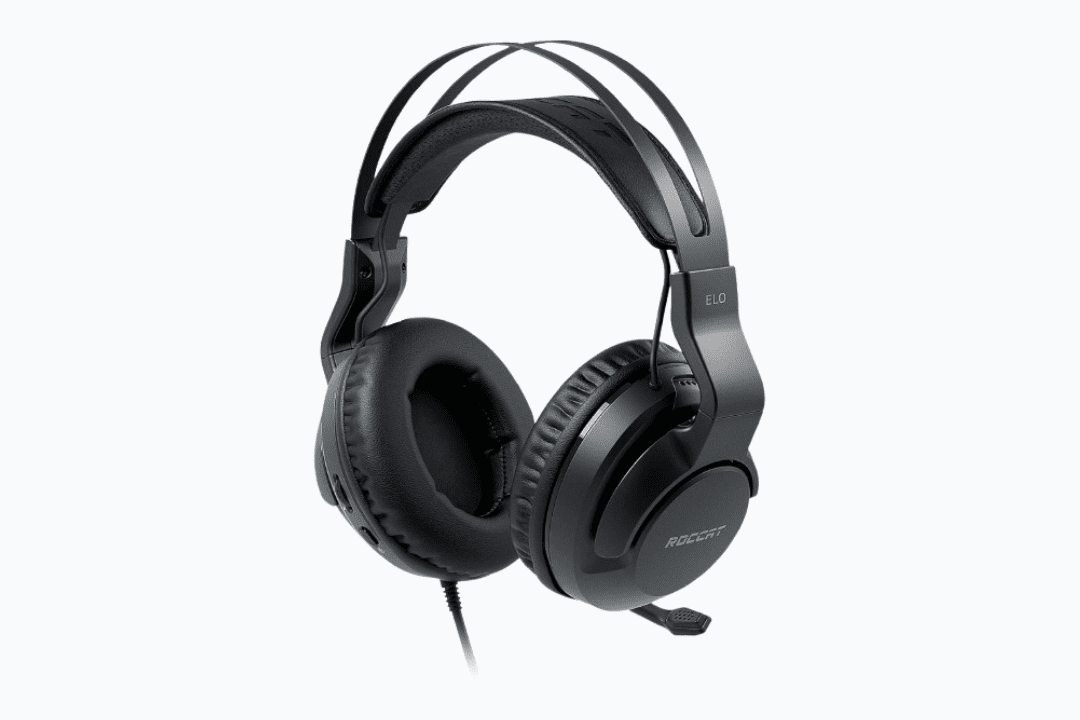
Elo X Stereo – Multiplatform Gaming


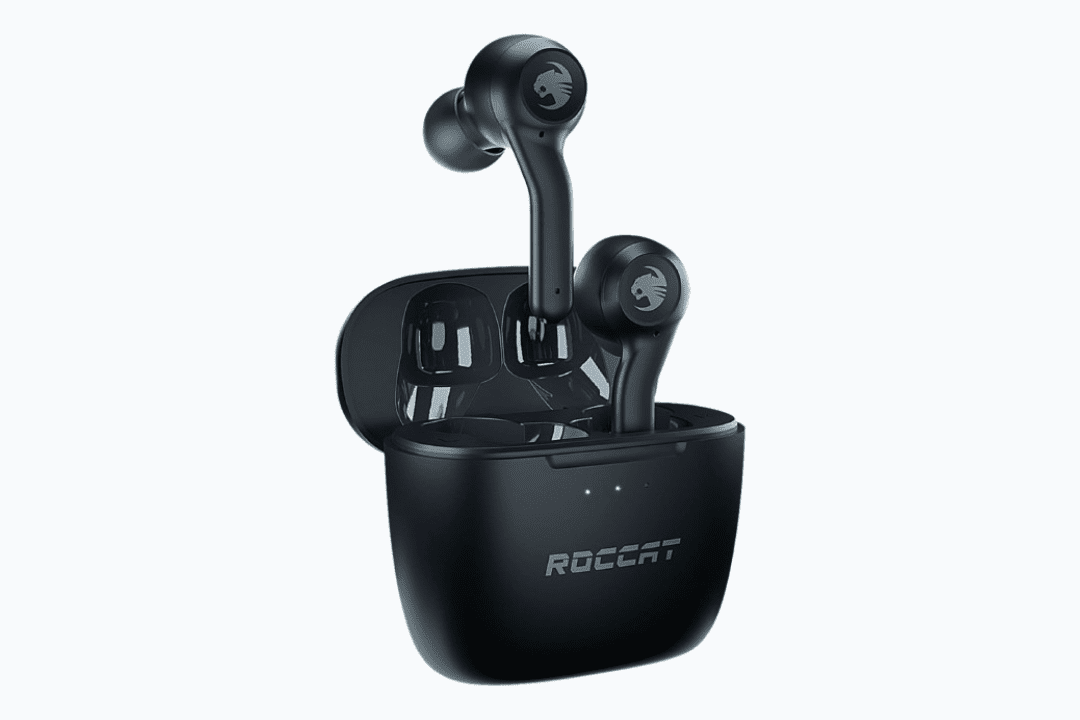
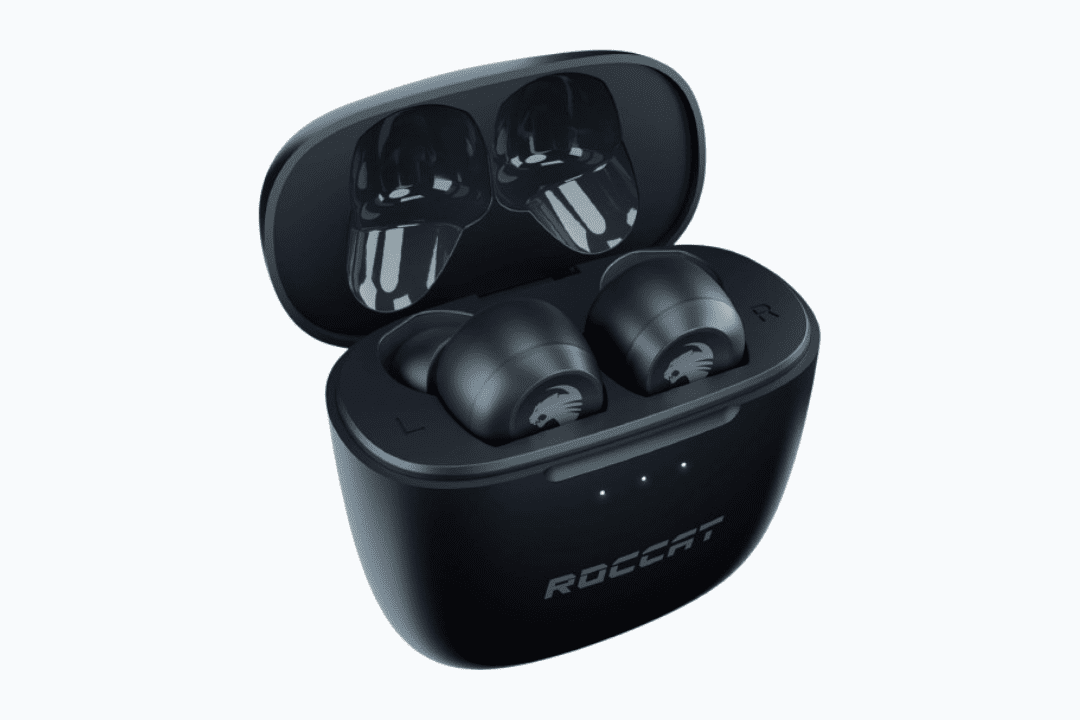
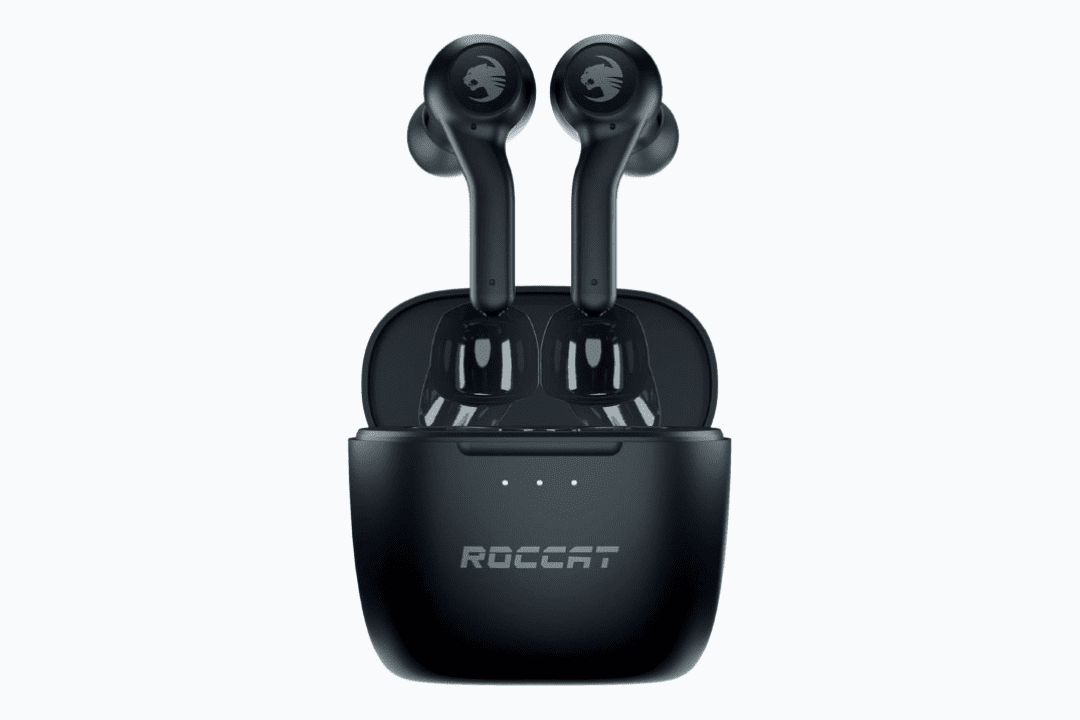
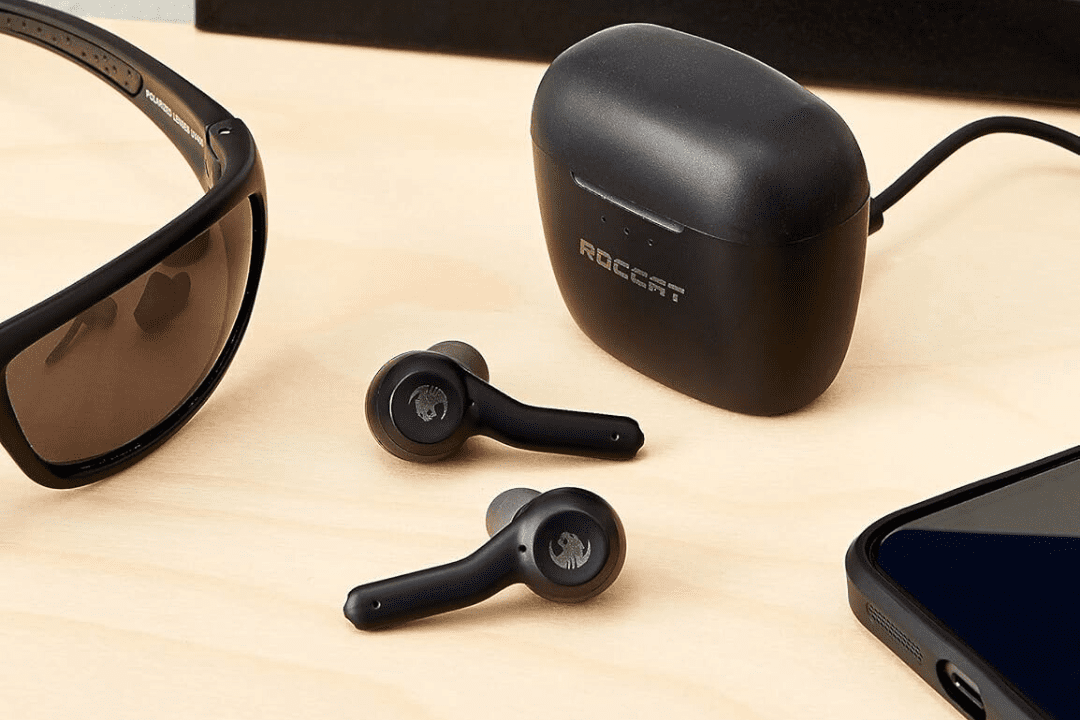
Syn Buds Air True Wireless Earbuds
What Makes Roccat Headsets Next-Gen

ROCCAT headphones are designed to immerse you in the sounds while giving you the competitive edge in gaming. The 7.1 surround sound and nano clear 3D speakers technology provide precise directional audio for cinematic experiences and professional gaming.
The Headset Active Noise Cancellation effectively blocks sound distortions, featuring crystal clear audio. Users can benefit from long gaming sessions without the stress of heat and sweat, thanks to gel-infused ear cushion cups. The fabric used in the earcups remains cool and absorbs moisture to prevent discomfort during extended gaming sessions.
ROCCAT wireless technologies are one of the best-engineered features in the headsets. The low-latency and 2.4GHz connections provide uninterrupted signals over a distance of 50 feet that enable the freedom of movement with clear sounds.
These headsets are a masterclass in gaming technology. The TruSpeak microphones offer high-grade audio recording and communication with minimal background noise. The microphones are detachable on supported models, which improves the portability and usability.
The customizable AIMO RGB illumination adds aesthetic appeal to the headsets. With rapid charging, ergonomic designs, self-adjusting metallic headbands, and high-precision 50mm drivers, ROCCAT headsets set a new standard in gaming.
Your Guide to Picking the Right ROCCAT Headset
Selecting the right headset needs to align the technical specifications with your use. Competitive and casual gamers who want excellent 7.1 surround sound, wireless, and long battery life should choose ROCCAT Elo 7.1 Air Wireless headsets for immersive gameplay.
Gamers who prefer durability and reliability, with 7.1 surround sound wired performance, may opt for the Elo 7.1 USB headsets.
The players who play for hours and want a headset with active noise cancellation features and a highly sensitive microphone for clear communication can choose ROCCAT Syn Pro Air headsets. Before opting for any of the headsets, confirm your compatibility, microphone, and battery life for non-stop gaming sessions.
| Product | Connectivity | Microphone | Type | Audio | Battery Life | Primary Use | Price / Status |
|---|---|---|---|---|---|---|---|
| ROCCAT Syn Max Air | Wireless | Detachable Flip-Mute | Over-Ear Headset | 3D Surround | Up to 16 hours | PC / Console Gaming / DJ | Buy Now |
| ROCCAT Syn Pro Air | Wireless | Detachable Flip-Mute | Over-Ear Headset | 3D Surround | Up to 24 hours | PC / Gaming / DJ | Buy Now |
| ROCCAT Elo 7.1 Air | Wireless | TruSpeak | Over-Ear Headset | 7.1 Surround | Up to 24 hours (5 hrs quick charge) | PC Gaming | Buy Now |
| ROCCAT Elo 7.1 USB | Wired USB | TruSpeak | Over-Ear Headset | 7.1 Surround | N/A (Wired) | PC Gaming | Buy Now |
| ROCCAT Elo X Stereo | Wired USB | TruSpeak | Over-Ear Headset | Stereo | N/A (Wired) | PC Gaming | Buy Now |
| ROCCAT Syn Buds Air | Wireless (Bluetooth 5.1) | Dual Microphone | True Wireless Earbuds | Balanced | Up to 20 hours (with case) | PC / Gaming | Buy Now |
Why Choose Roccat Headsets?
ROCCAT headsets prioritise performance and advanced audio experience in gaming. Every headset delivers reliable communication and immersive sound specifically for gamers. Technologies like 7.1 surround sound and Nano Clear 3D speakers provide accurate navigational audio.
These headsets are typically engineered for convenient and extended gaming sessions. The cooling gel in earcups, moisture-wicking fabrics, glasses-friendly structure and adjustable headband provide long-lasting comfort without compromising the quality of sound.
The excellent wireless technology in the ROCCAT headsets features low-latency 2.4Ghz Bluetooth connectivity with a strong signal strength. The 15-minute charge can last up to 5 hours, and RGB illumination provides comfort and appeal.
Consequently, the ROCCAT headsets are a combination of cutting-edge audio, superior comfort and practical features, making them a reliable and top choice for gamers who demand convenience and performance in one package.
Real Gamer Reviews on ROCCAT Headsets
Trusted by gamers worldwide and praised by experts — here’s what players say about ROCCAT Headsets.
FAQs
How to fix the ROCCAT Headset not connecting?
The first and very easy approach to fix the Bluetooth is to power it down first, charge it and then restart it. And try to hold the power button for a few seconds, it will turn on the Bluetooth, and the devices will get connected. Or just restart your console or computer to remove any bugs that may be causing connectivity. Turn on the scan mode and pair your device.
Are Roccat headsets good?
Yes, ROCCAT headsets are the trend setter in gaming, providing good-quality directional audio that helps with enemy positioning and awareness in supported games.
What is the #1 best gaming headset?
The ROCCAT Syn Max Air and Elo 7.1 Air are considered to be the best PC gaming headsets. These headsets provide a package of Superhuman Hearing surround sound, comfort with cooling gel cushions, and noise-reducing microphone technology.
How to pair a ROCCAT headset?
Grab the right earcup and hold the Bluetooth button to activate the pairing mode of the headset. Turn Bluetooth on on your device, such as a PC or gaming console, and scan for available devices. Select the respective headset from the list and pair it.
