

ROCCAT Mouse
ROCCAT mice are known for their precision. All wired and wireless models, including the Kone Pro, Kain 100, Kone XP, and Burst Pro models, provide comfort and durability. ROCCAT mouse is a solid choice whether you are a casual gamer or want highly precise professional gaming.
Years of Owl-Eye Sensor Evolution
ROCCAT Mice Used by Gamers Worldwide
Hours of Click & Glide Durability Testing
Mouse Shapes & Variants Engineered for All Grip Styles
Best-Selling ROCCAT Mice
ROCCAT mice are available in both wired and wireless options. They expand to a variety of gaming needs. Their models, like the Kone Pro, Kain 100, and Kone XP, are available on Amazon. These mice are designed with advanced features such as Owl-Eye sensor, customizable buttons, and ergonomic designs. These features result in a smooth gaming experience. Here are some of the best-selling Roccat Mice.


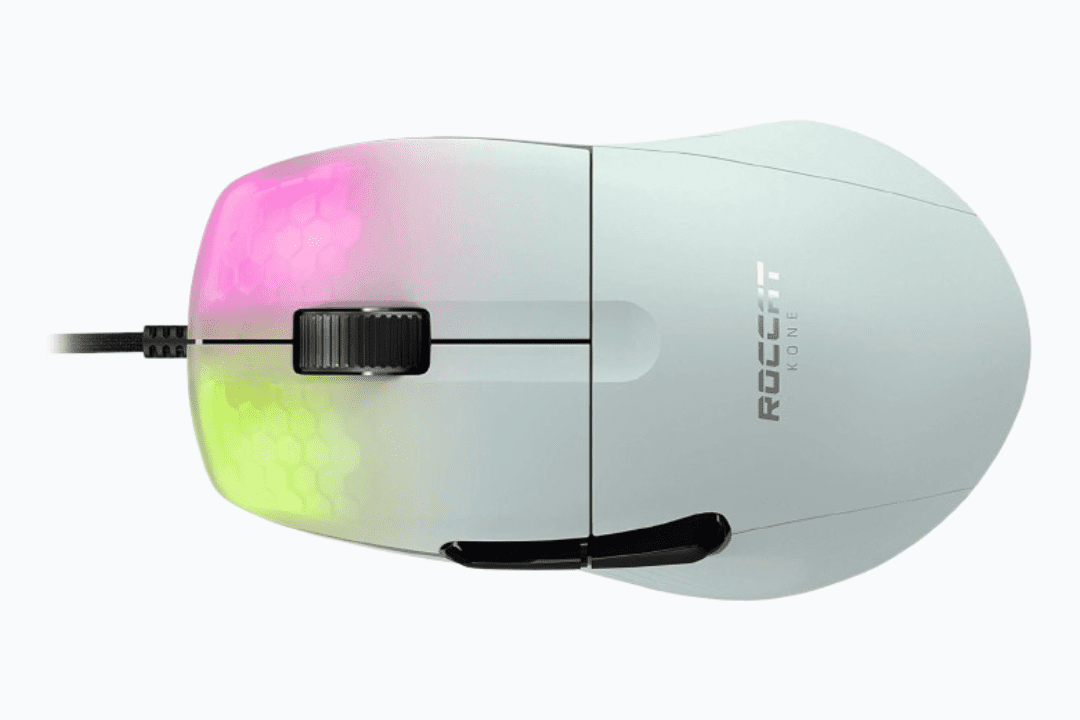
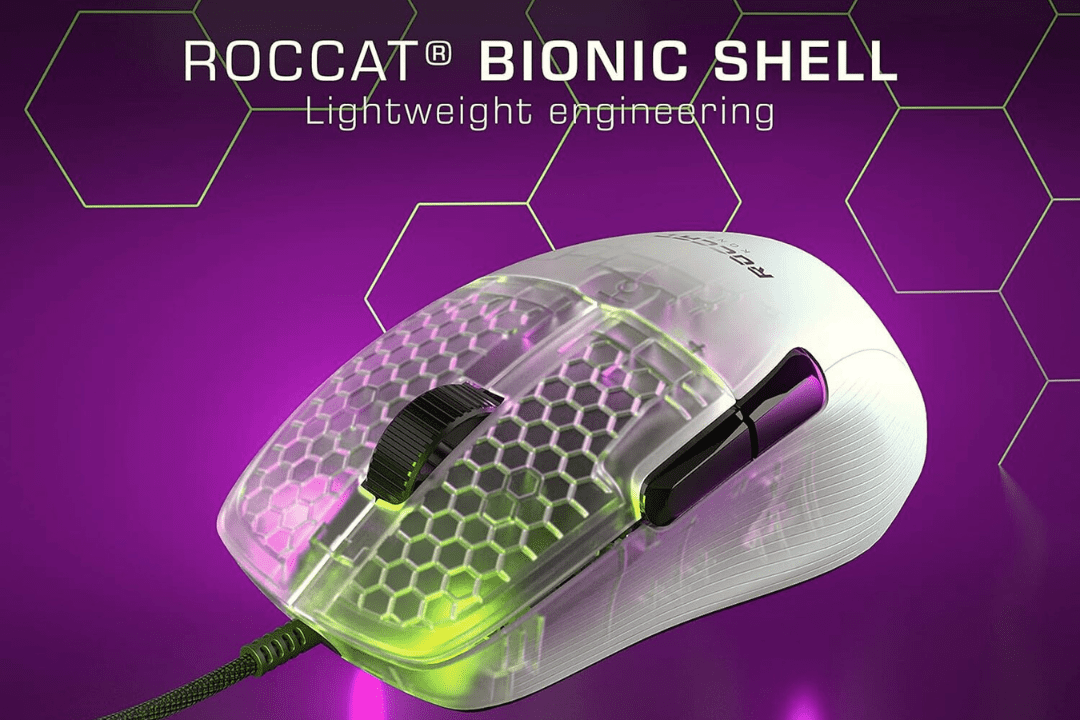
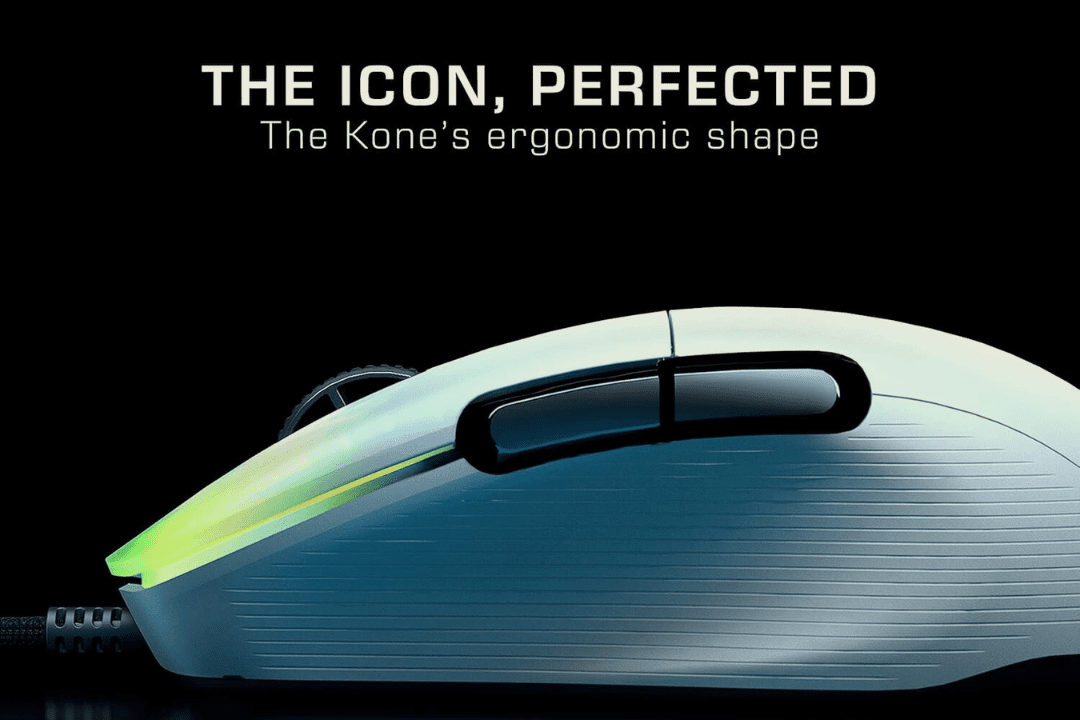
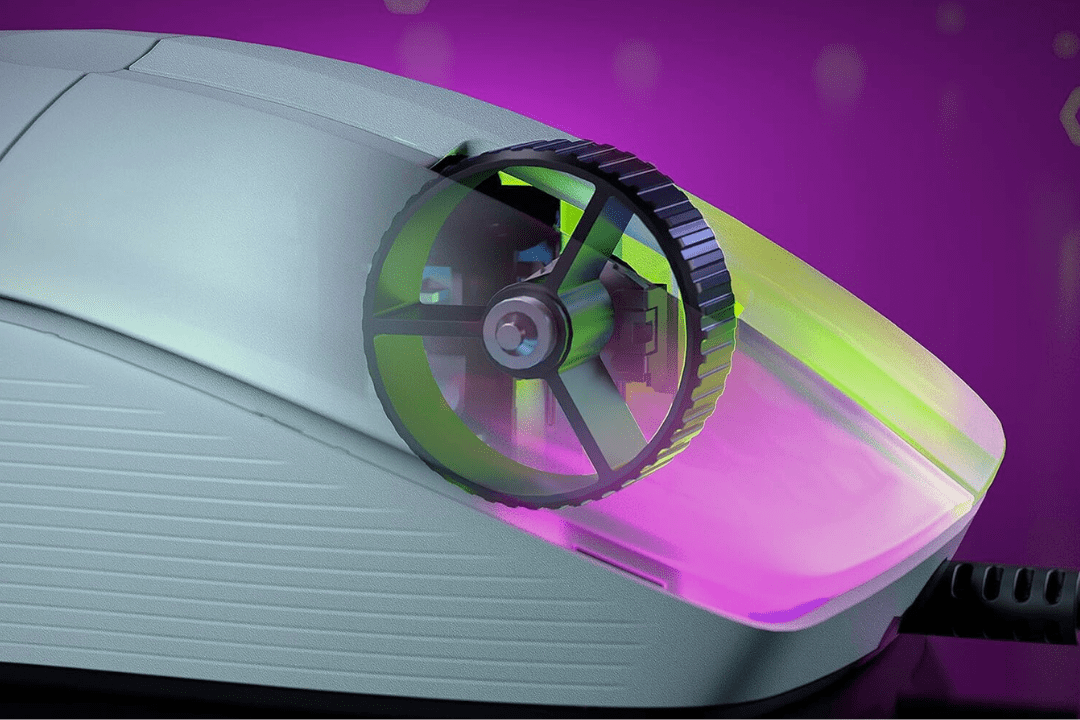
Roccat Kone Pro Gaming Mouse


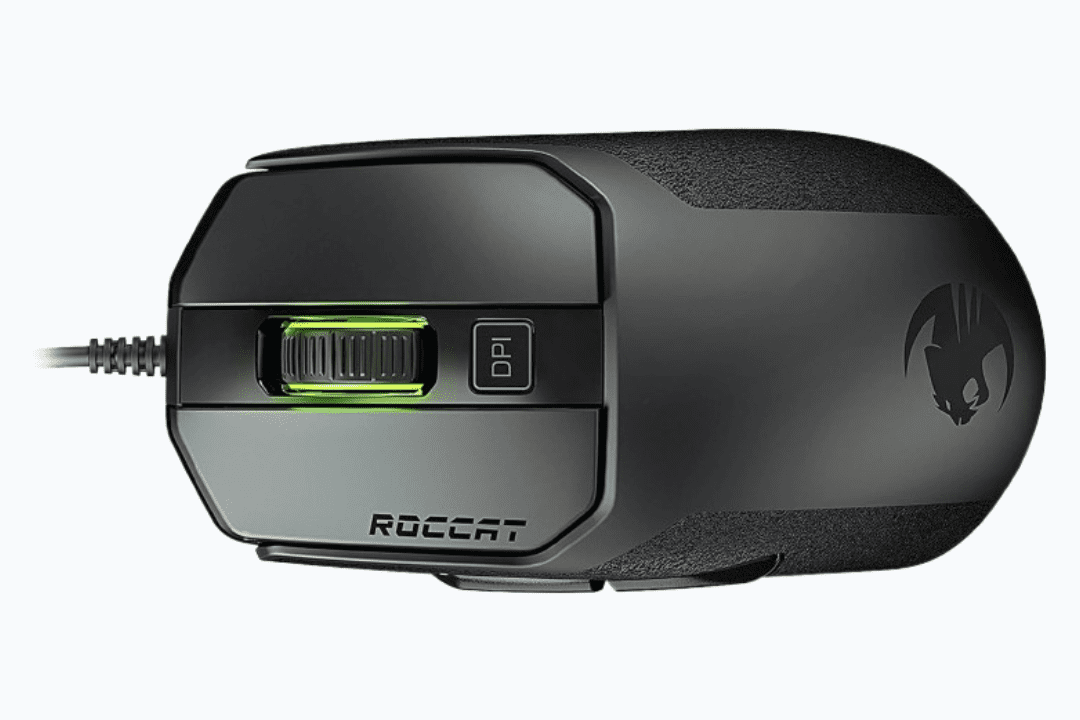
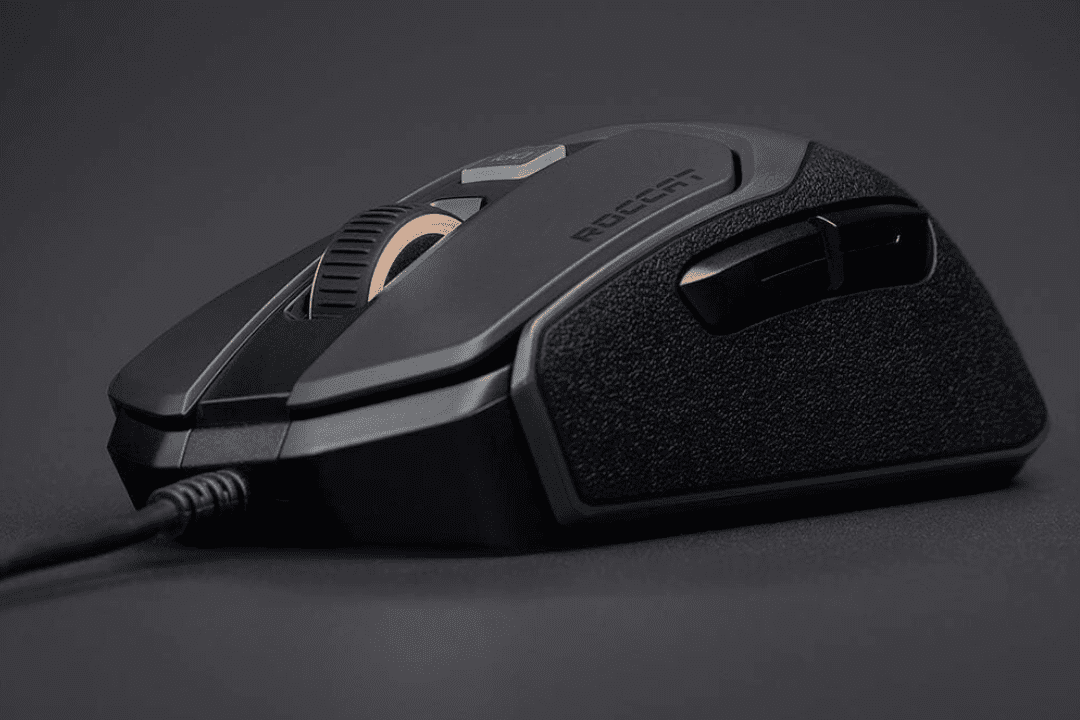
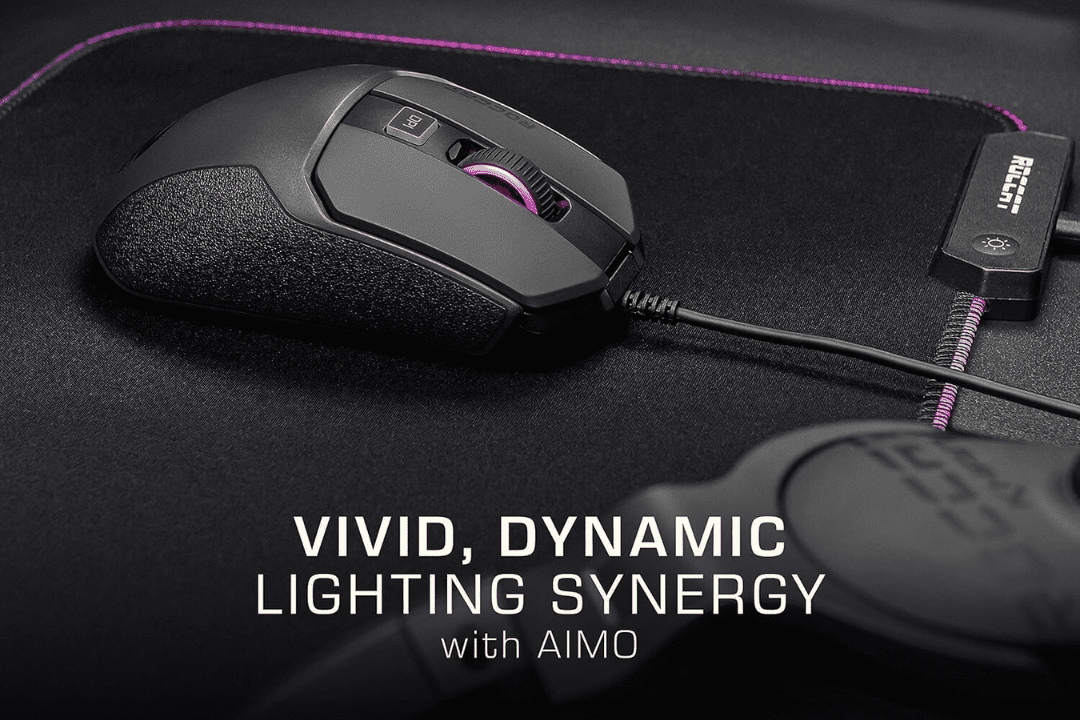
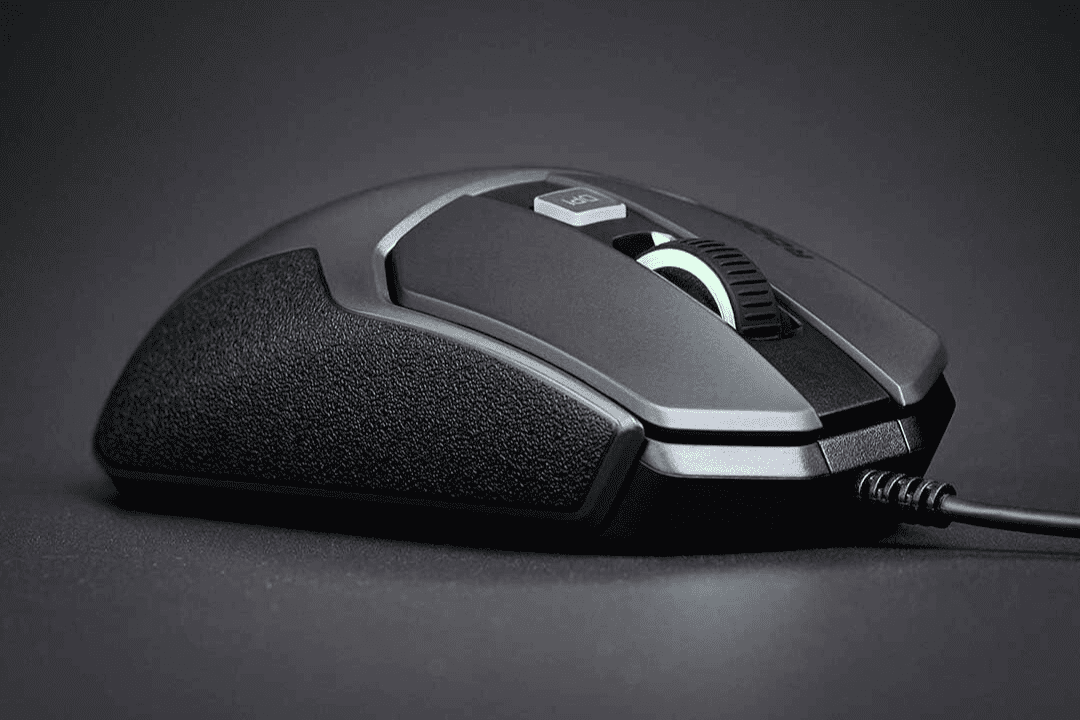
Roccat Mouse Kain 100 Aimo Black


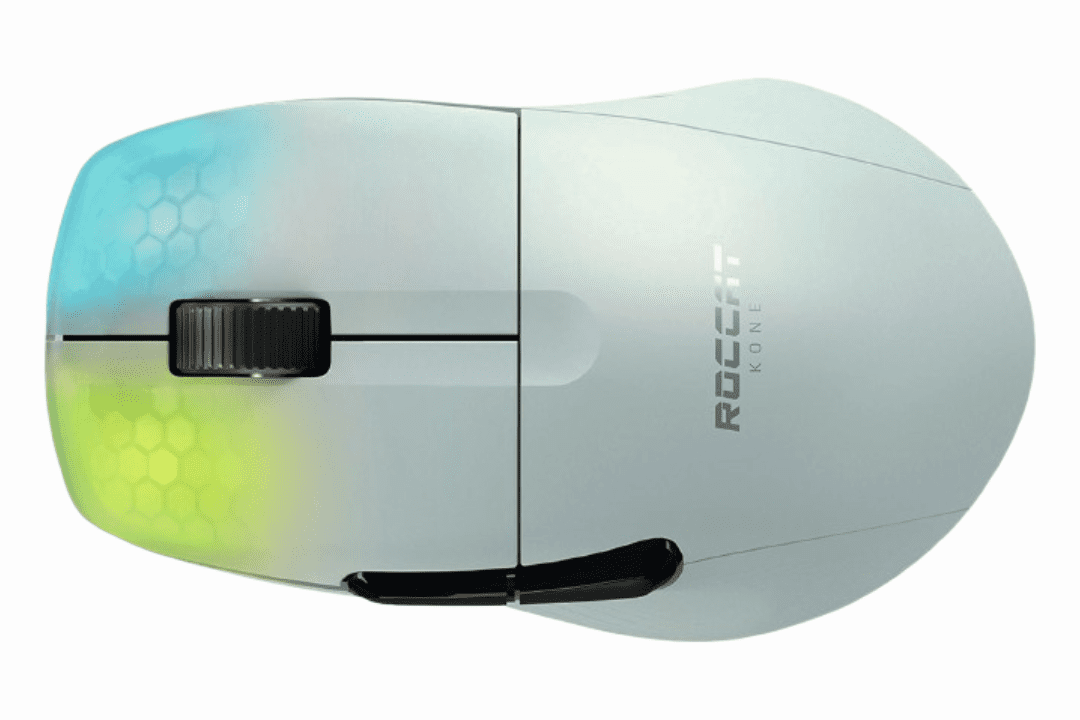
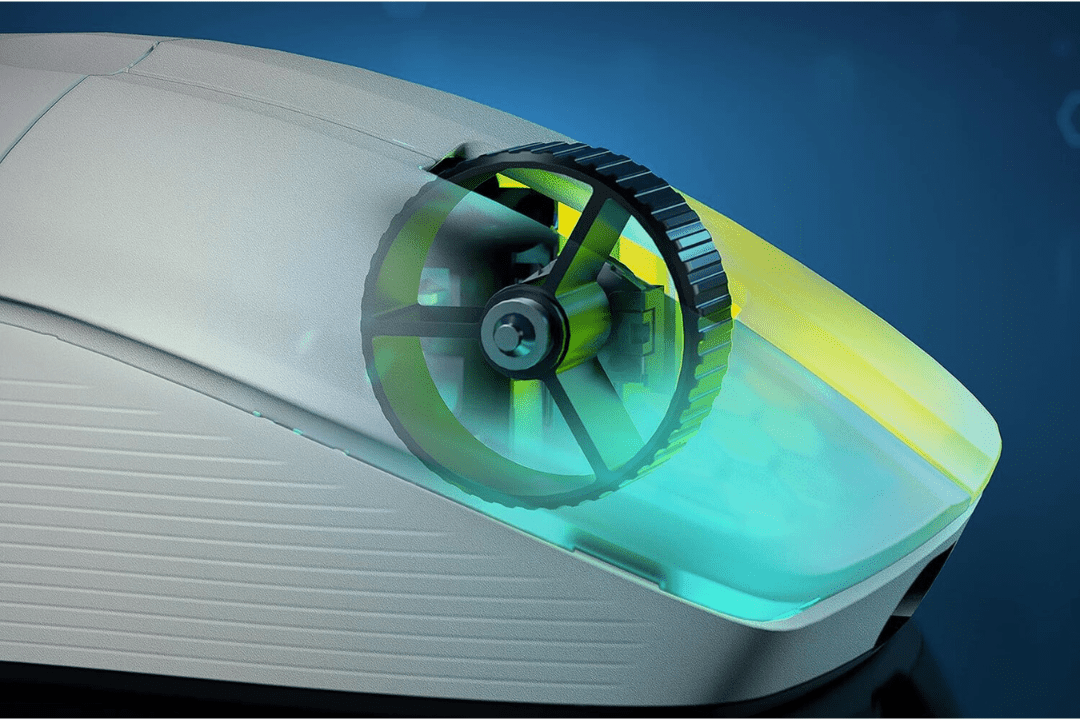
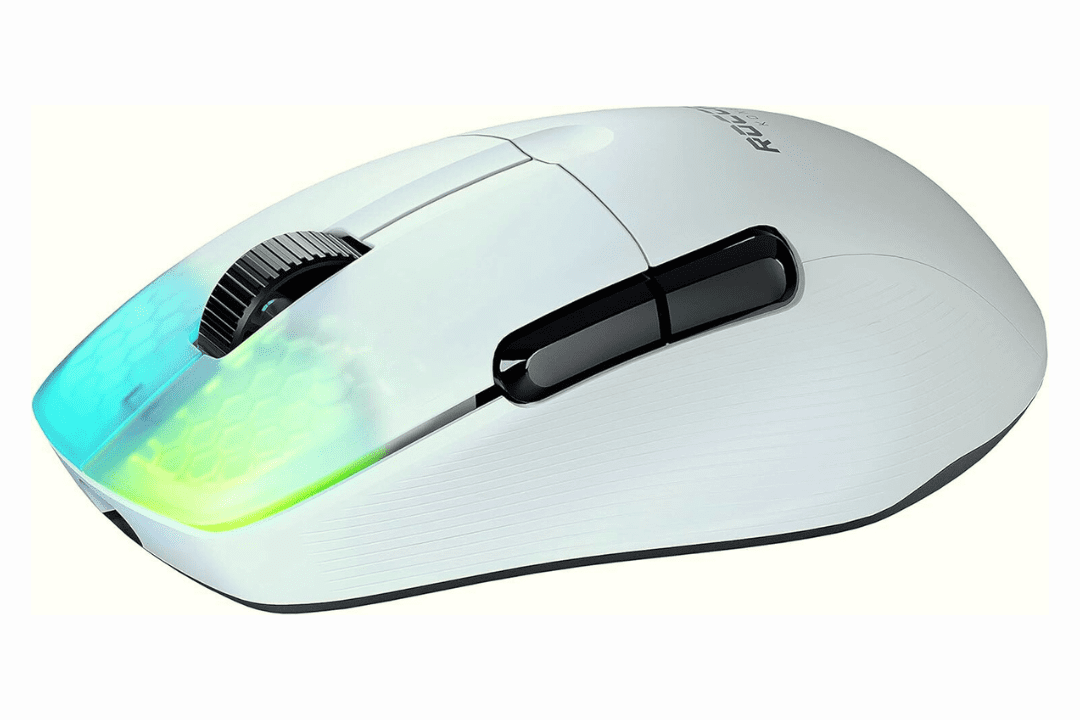
Roccat Kone Pro Air Gaming Mouse


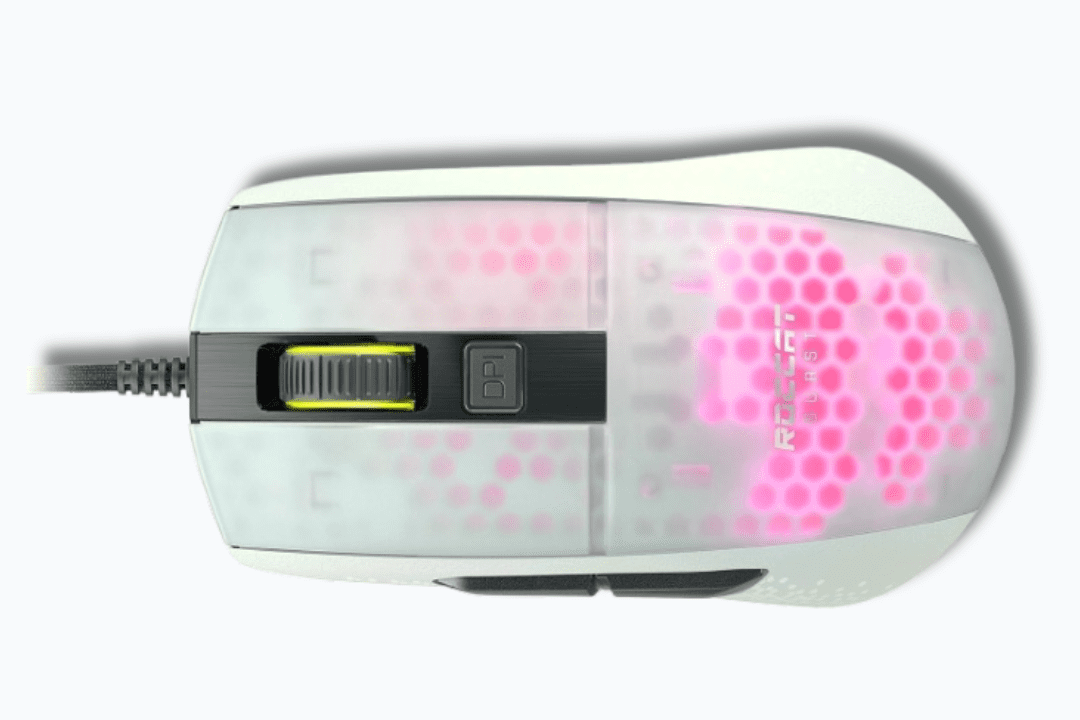
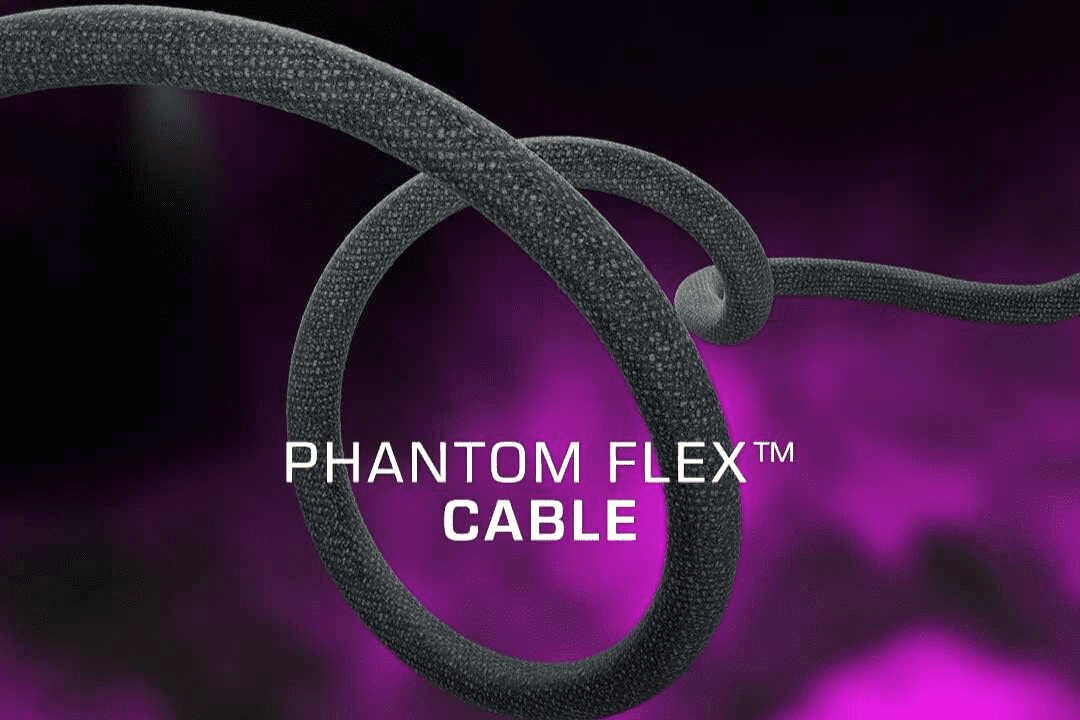
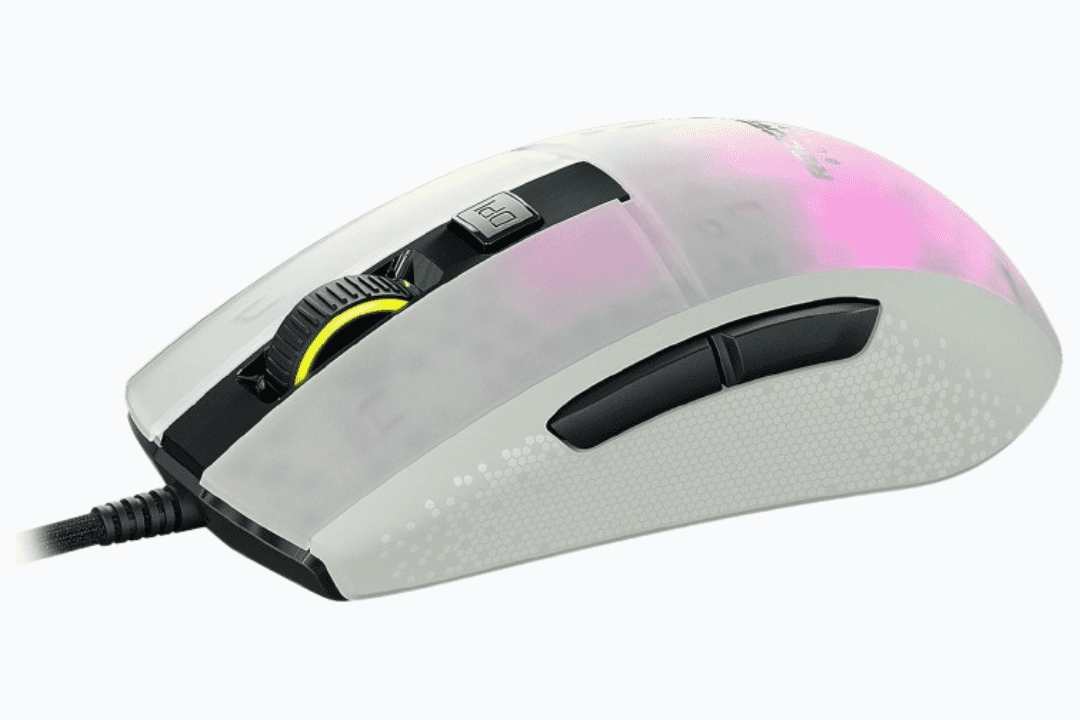
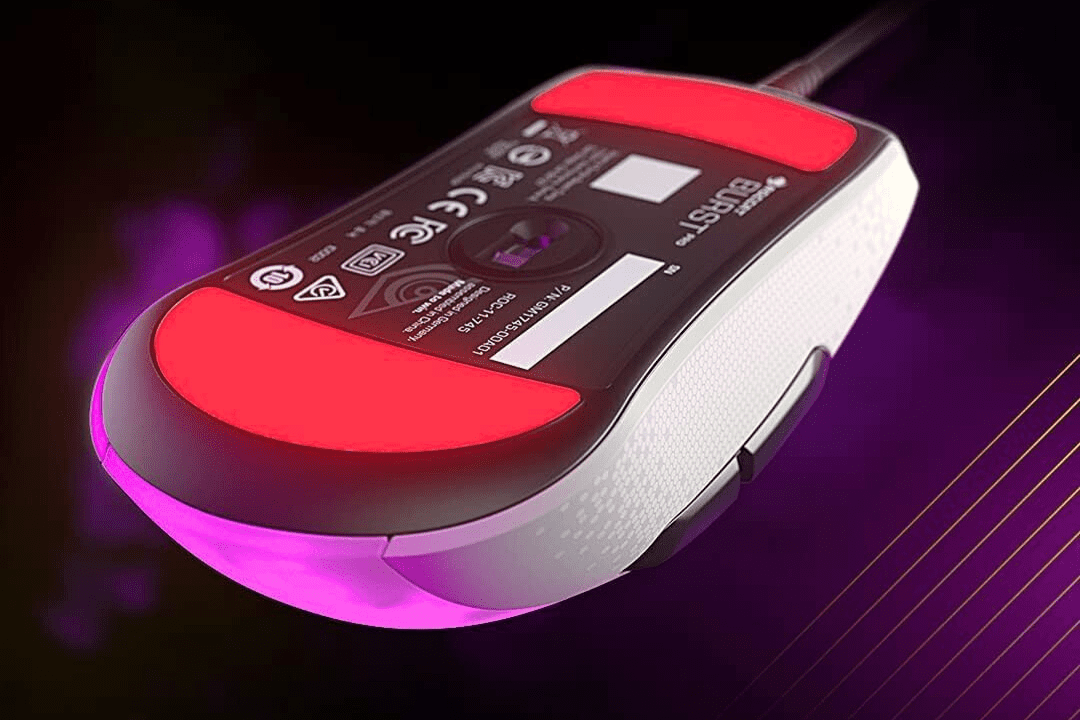
Roccat Burst Pro Optical PC Gaming Mouse (ROC-11-748)


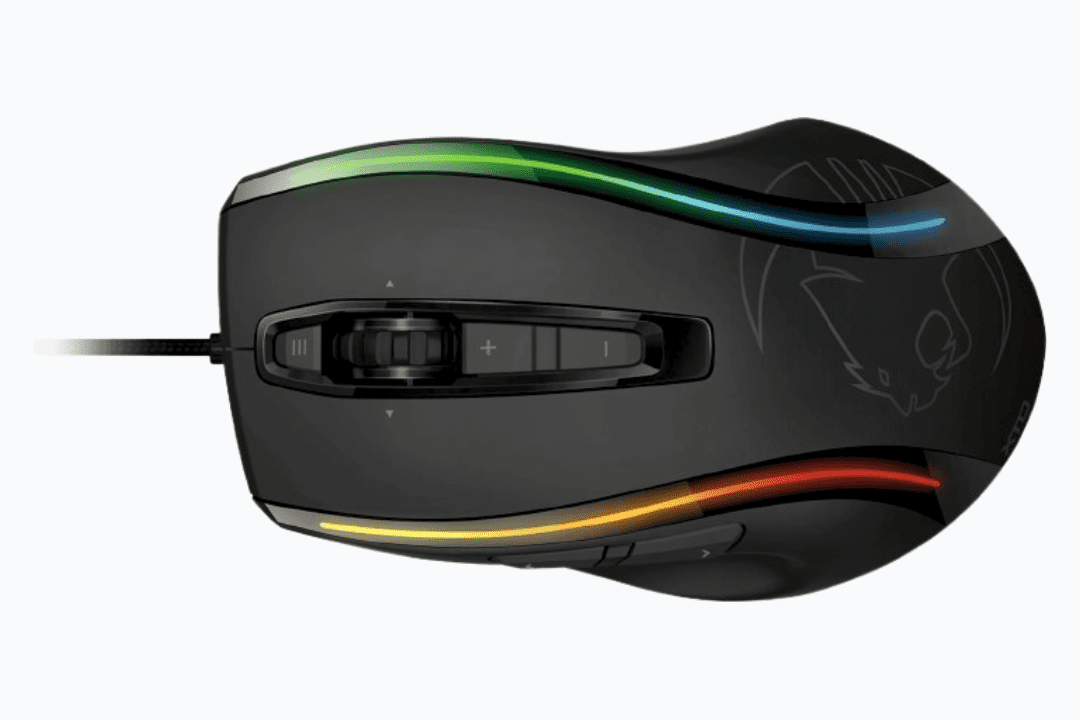
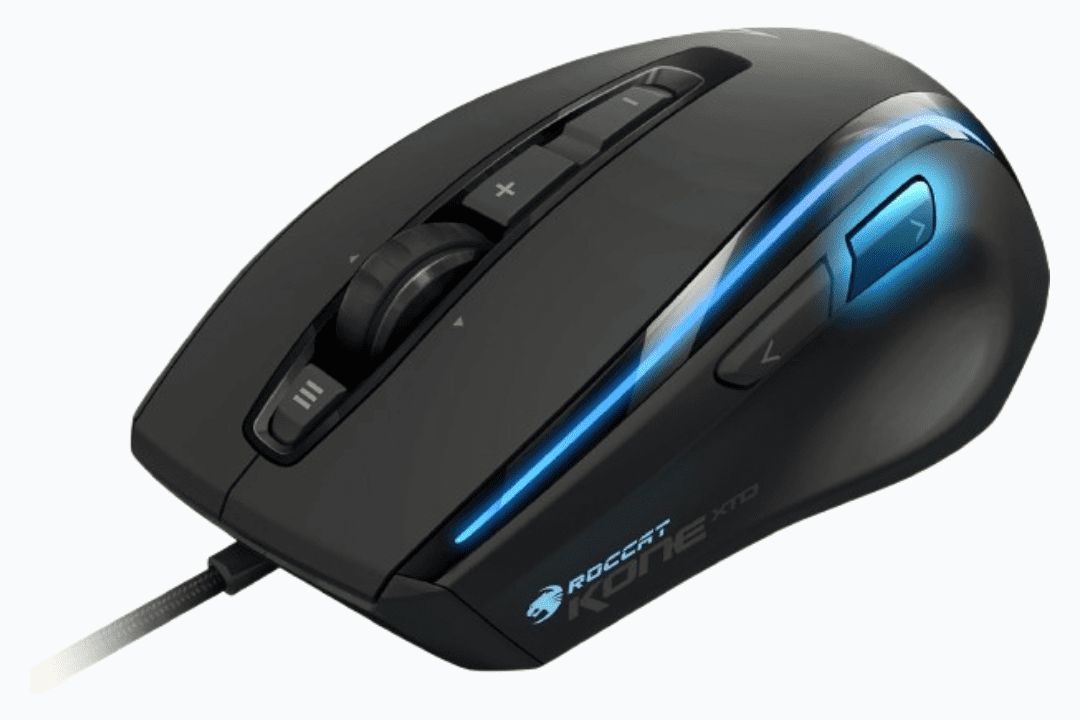
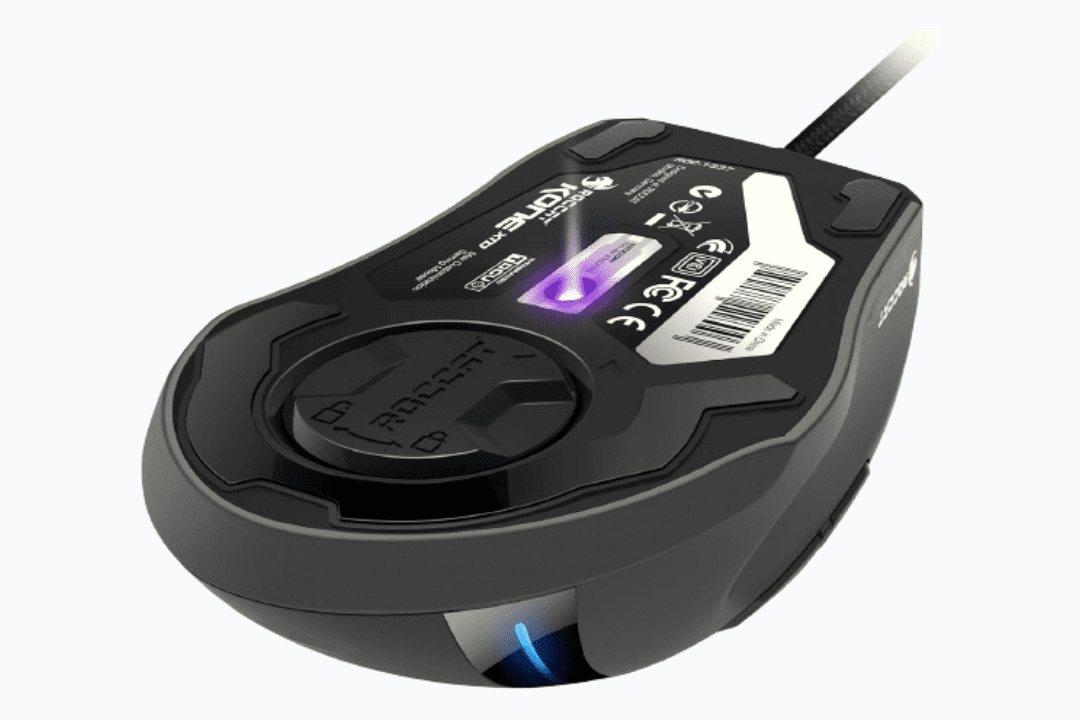
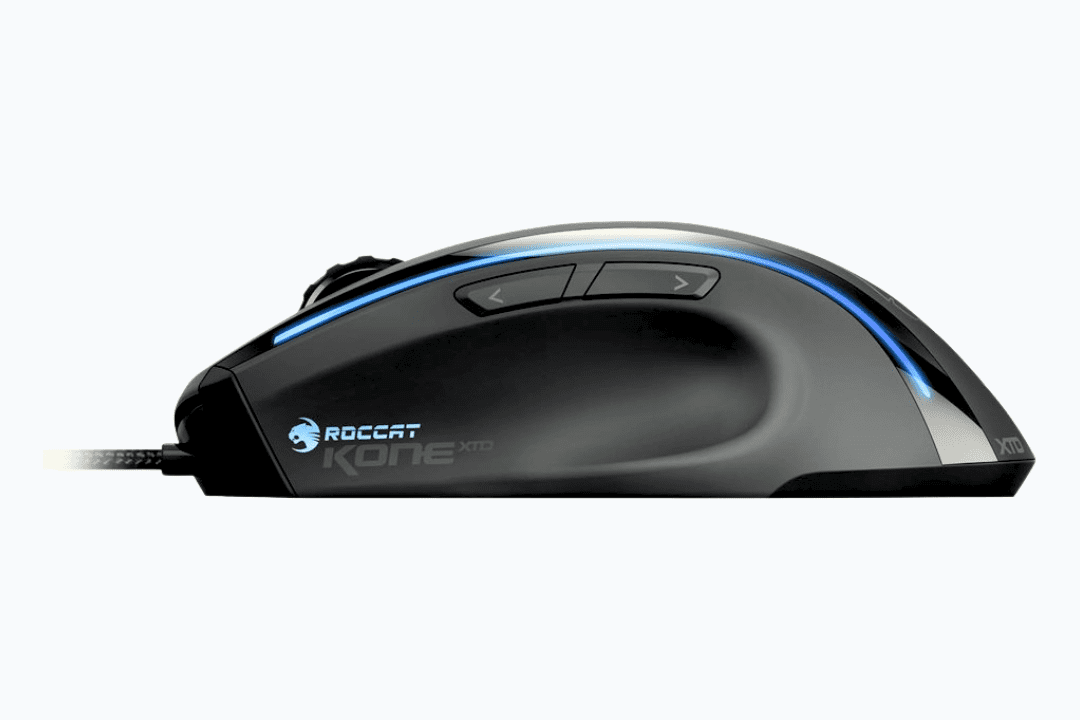
ROCCAT KONE XTD (ROC-11-810)


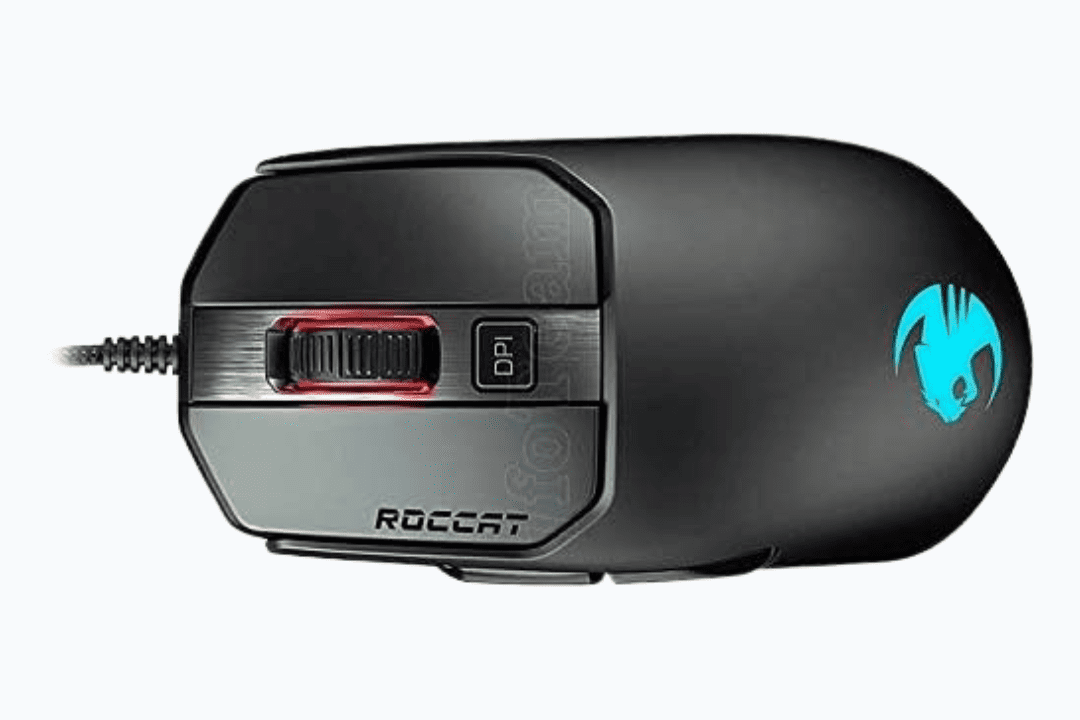
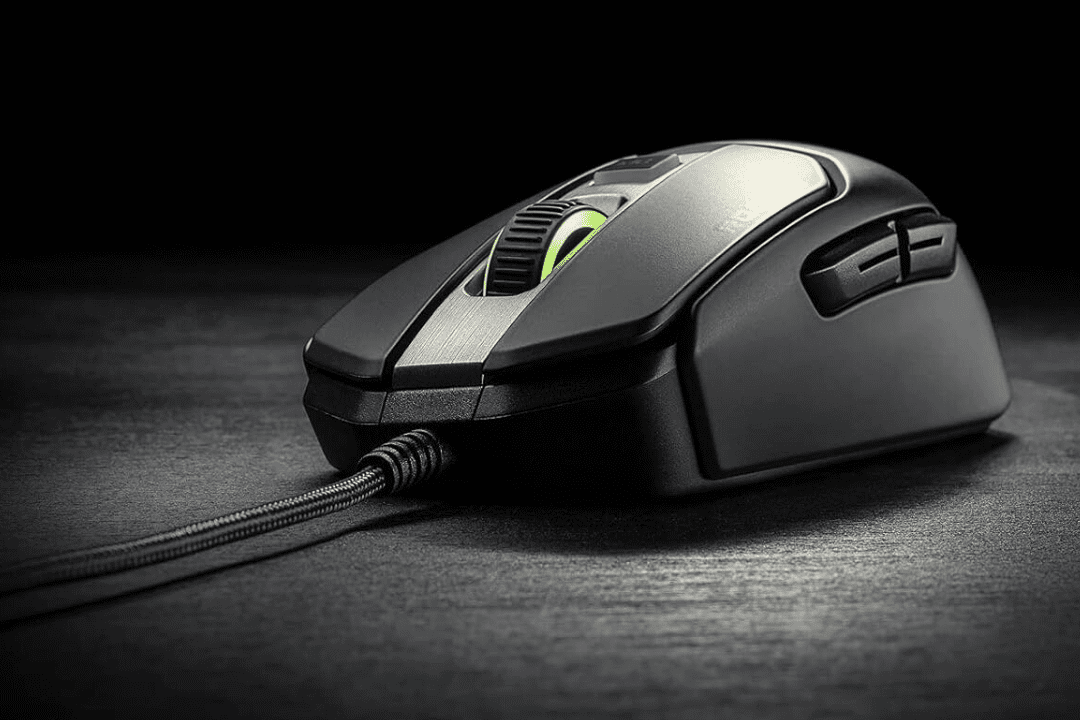
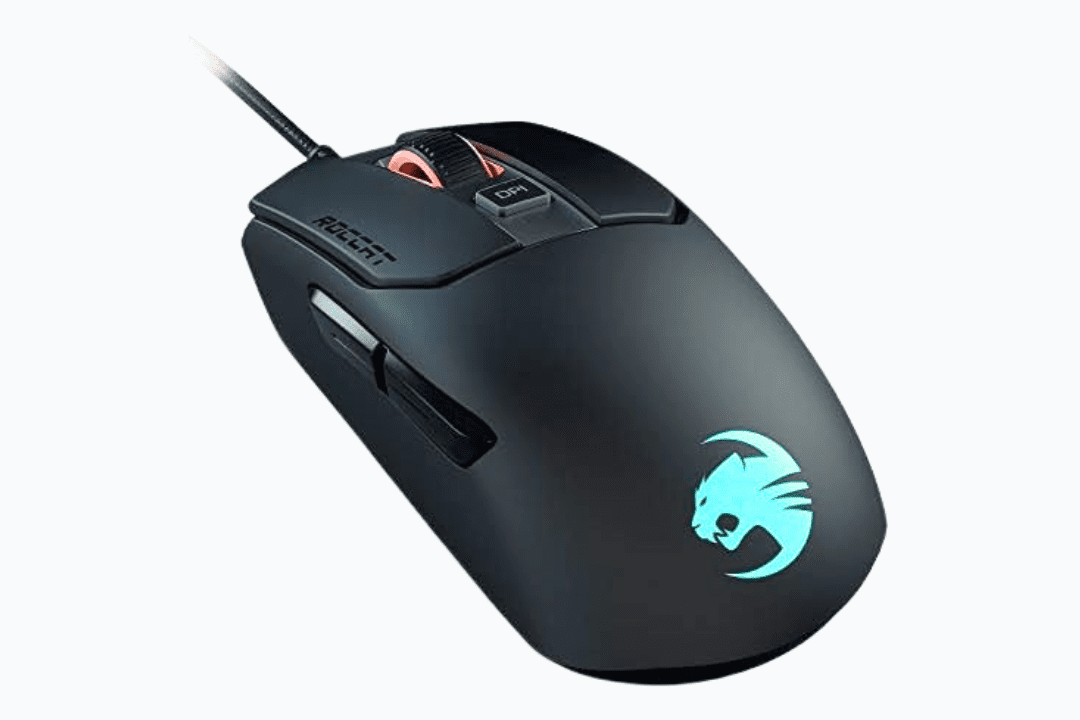
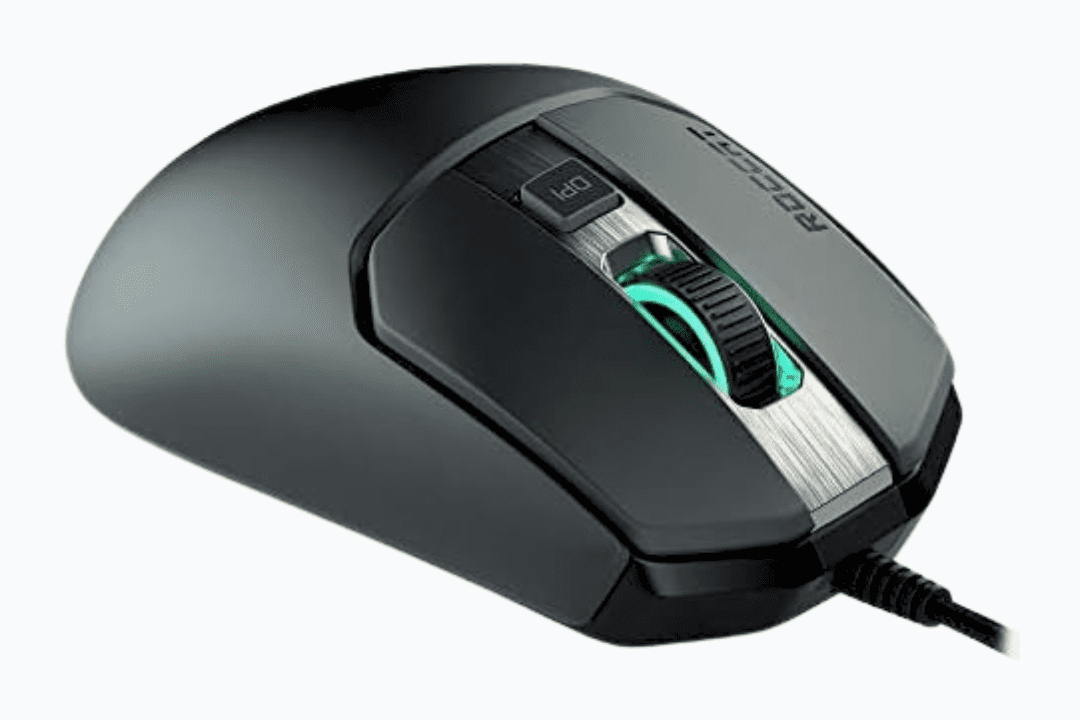
Roccat Mouse Kain 120 AIMO Black


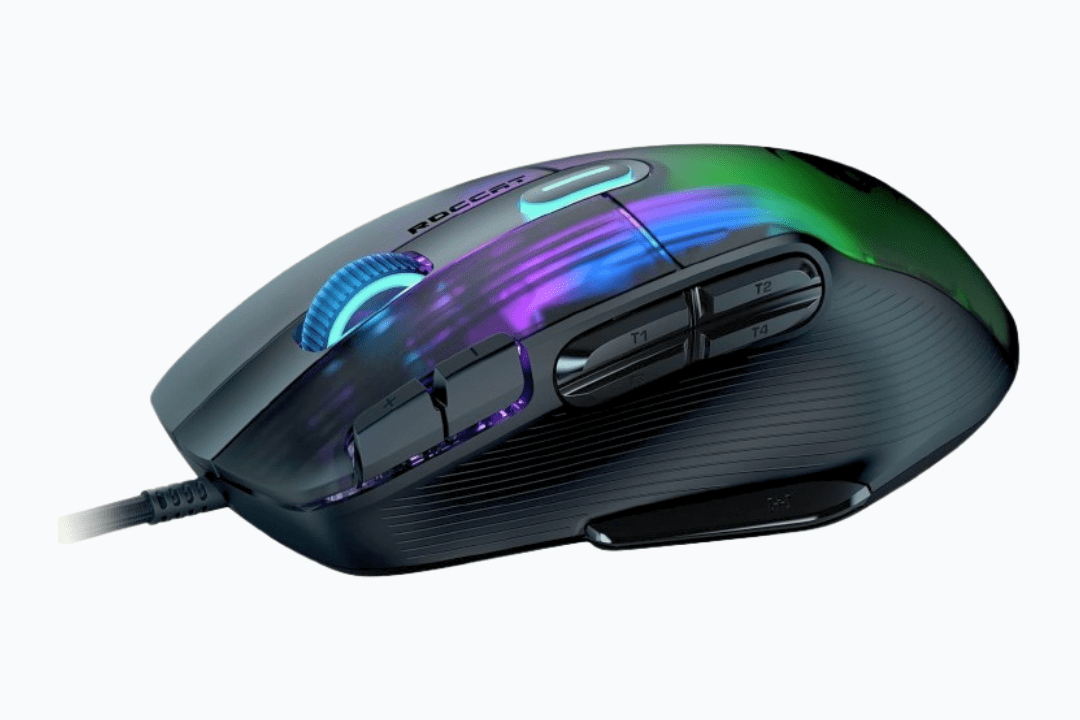
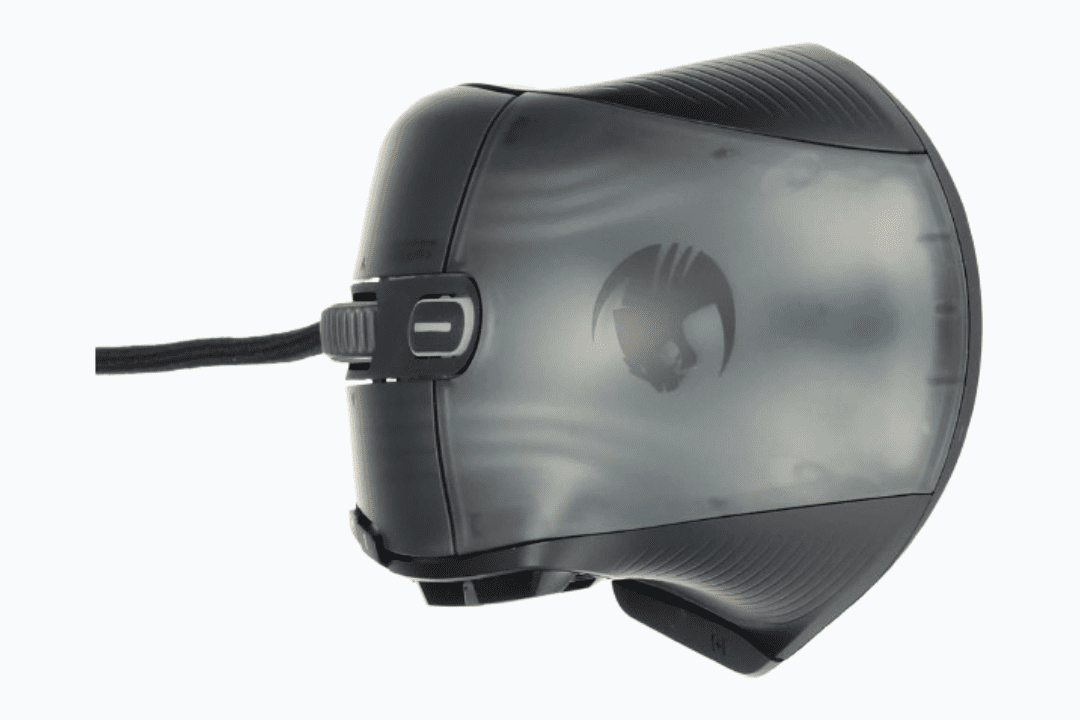
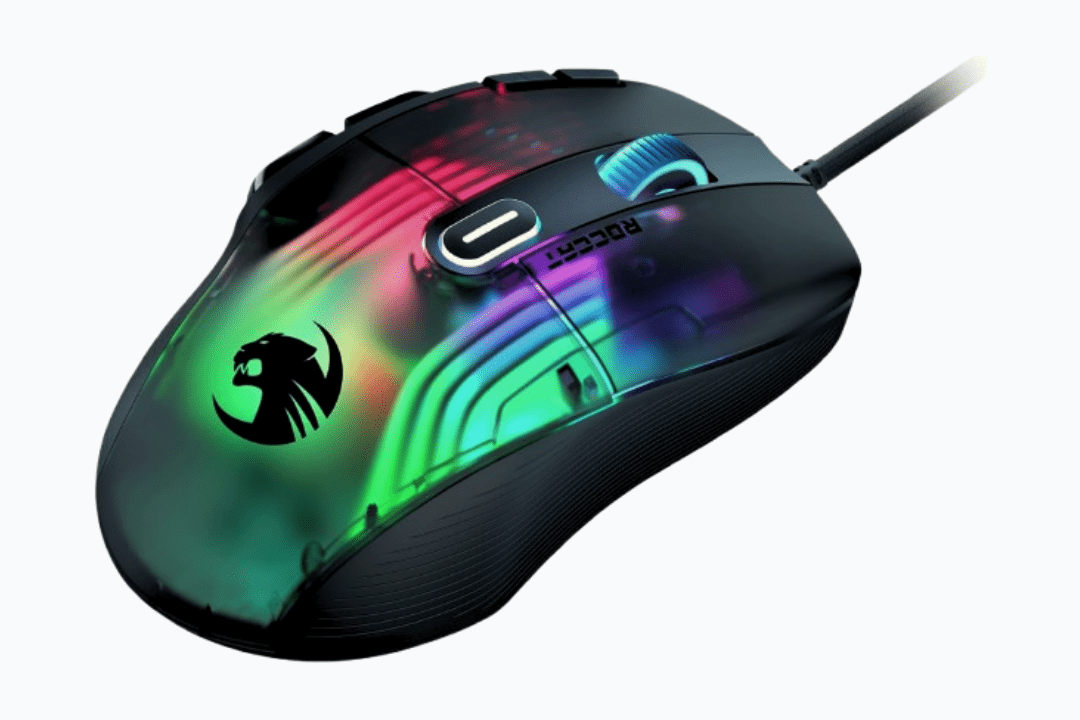
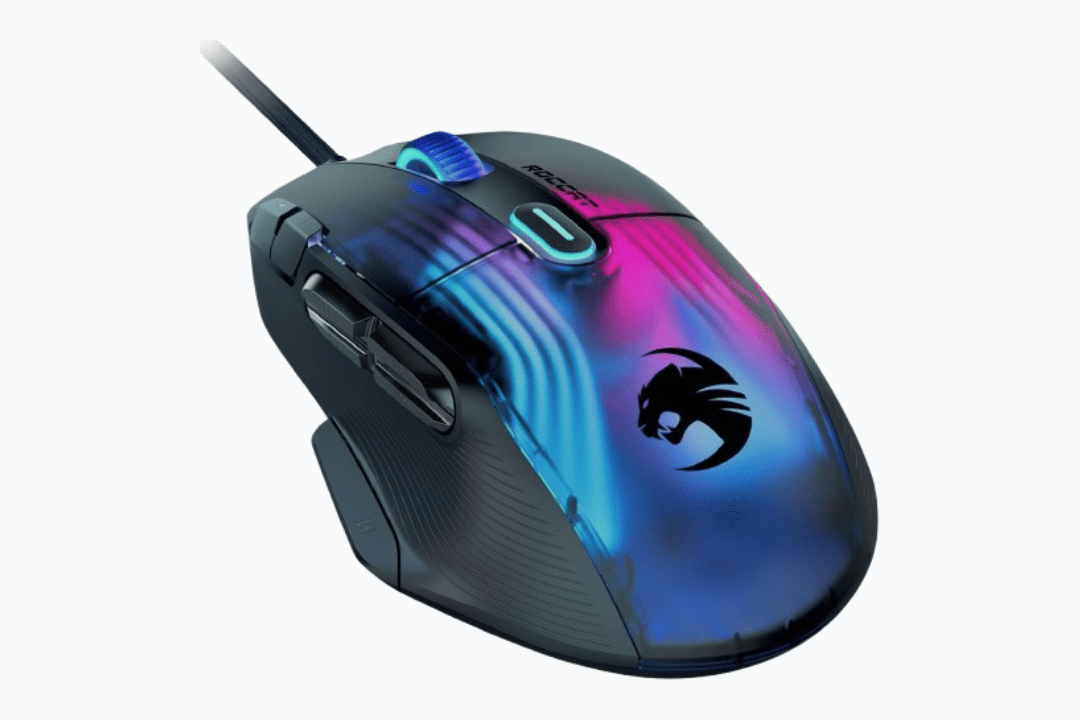
ROCCAT Kone XP Gaming Mouse AIMO RGB Lighting Optical


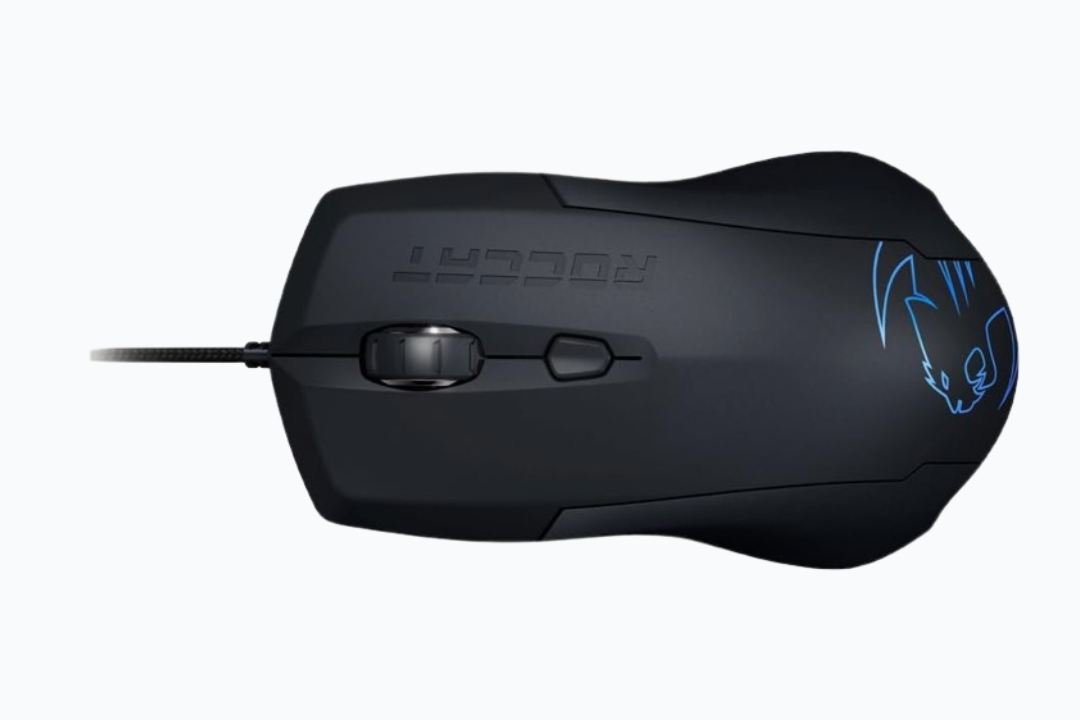
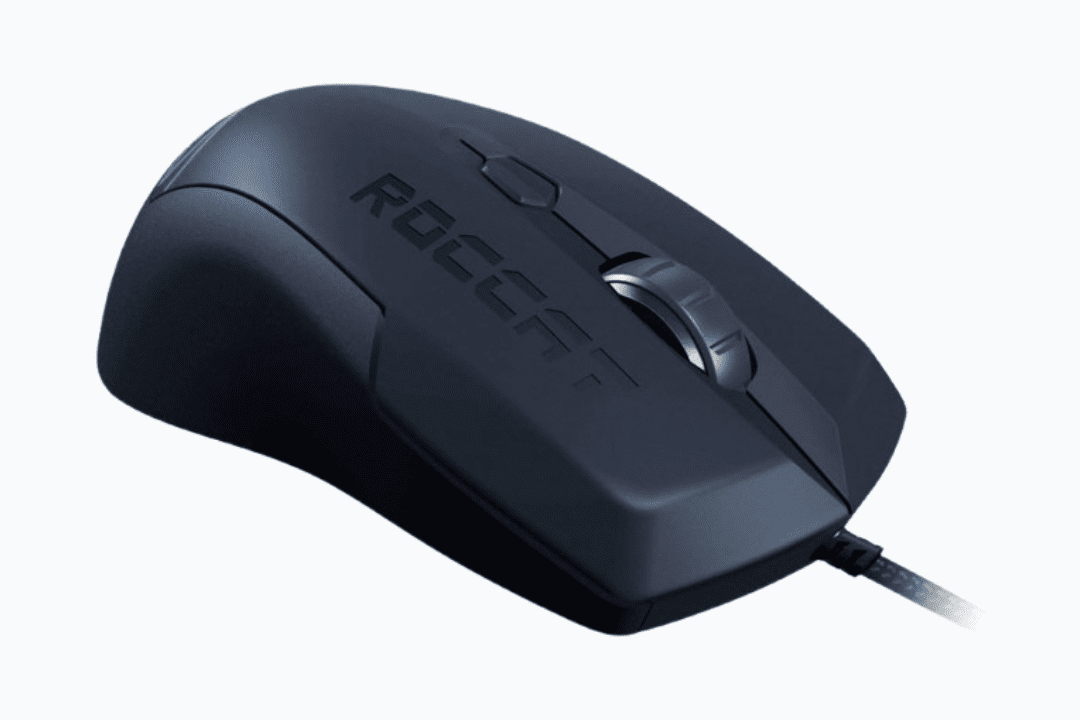
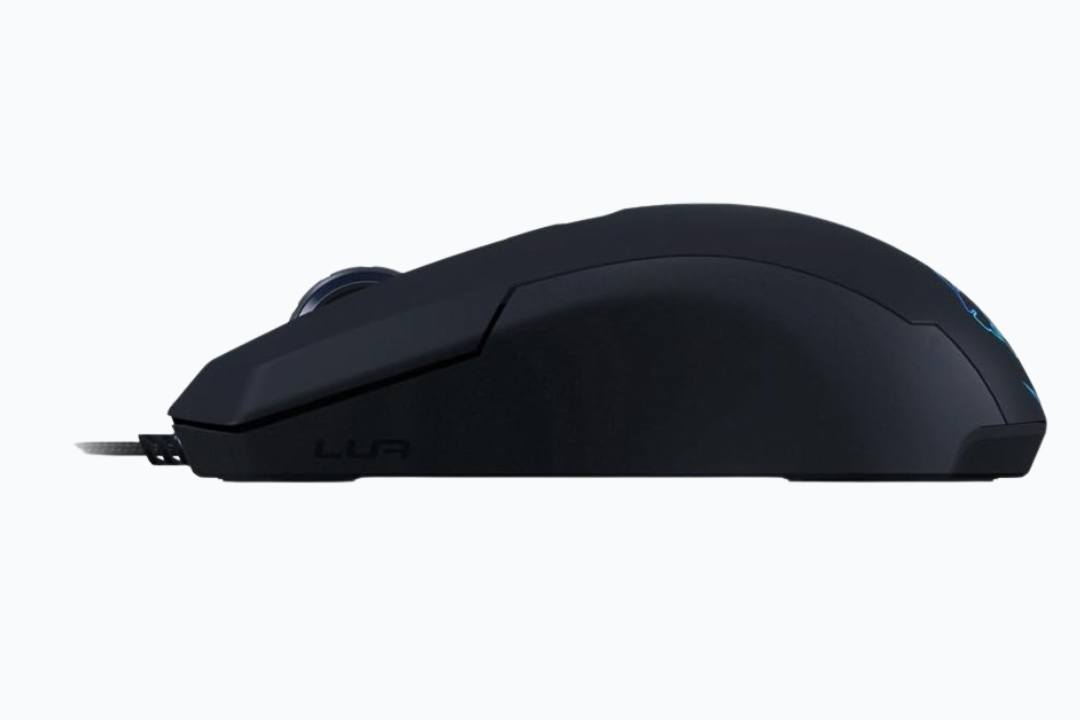
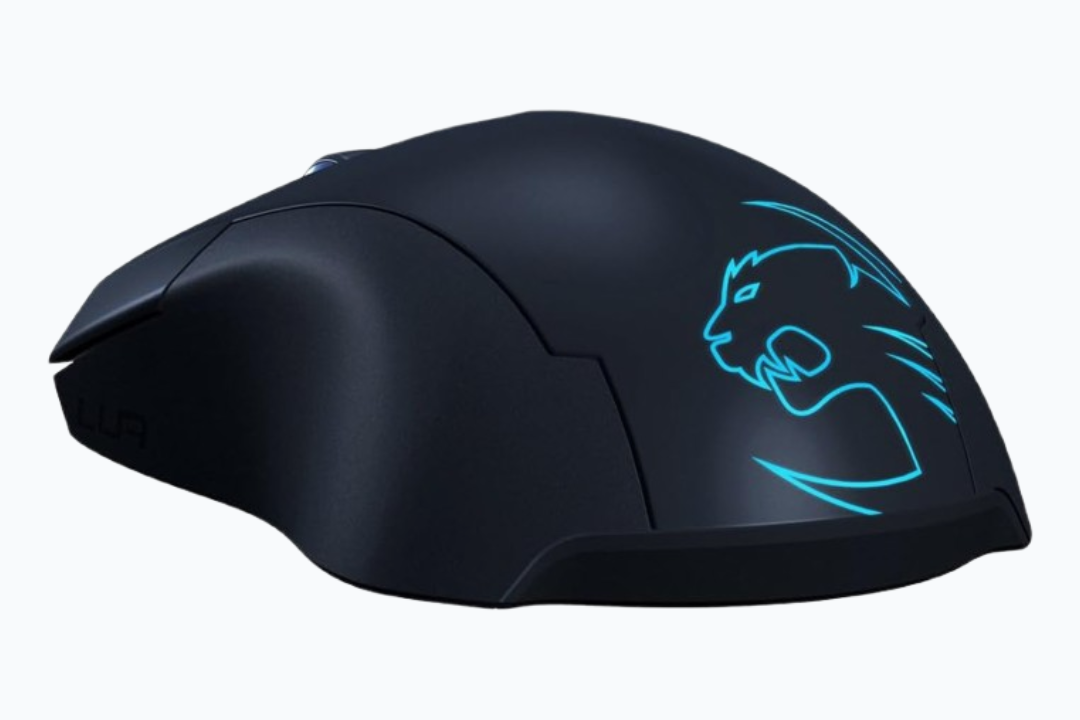
ROCCAT ROC-11-310-AM LUA
Advanced Engineering Inside Every ROCCAT Mouse
ROCCAT mice are constructed using state-of-the-art engineering that provides accuracy and comfort to gamers. The core of these mice is the Owl-Eye Optical Sensor. This sensor provides up to 19,000 DPI, ensuring a high level of accuracy and responsiveness. This sensor technology enables players to be highly accurate in their movements.
Another notable feature of the ROCCAT mouse is the Bionic Shell design. This design balances strength with a lightweight structure to reduce hand fatigue during long hours.
AIMO RGB lighting is also included in the design and interacts with AIMO-enabled devices to provide a vibrant experience.
In wireless models such as the Kone Pro Air, you get Titan Optical Switches that provide a high response time, so you do not lose a beat in a tight game. It also has a Rapid Charge option that allows you to charge the mouse in a short time, meaning you are always ready for the next round.
Find the Right ROCCAT Mouse for Your Gaming Needs
Choosing the right ROCCAT mouse depends on how you play. If speed and minimal drag matter, a lightweight wired mouse, such as the Kone Pro, may suit you best. It would be perfect for fast-paced shooters.
If you prefer freedom of movement and a clean desk setup, then a wireless model such as the Kone Pro Air works well. It has the pairing of mobility with strong sensor accuracy.
For MMO or RPG players, models like the Kone XP, with multiple inputs and more customization, are perfect. For casual gaming or everyday PC use, a balanced mid-range variant offers comfortable ergonomics without overkill. Below is a comparison table to help you choose the perfect ROCCAT mouse for you.
| Model | Weight | Connectivity | RGB Zones | Button Functions | Sensor | Key Features | Best For | Price / Status |
|---|---|---|---|---|---|---|---|---|
| Kone XP | 104g | Wired | 18 Zones | 15 Buttons (29 Functions) | Owl-Eye 19K DPI | 3D RGB (22 LEDs), Krystal 4D Wheel, Multi-button layout | MMO / MOBA / Strategy | Buy Now |
| Kone Pro Air | 75g | Wireless / BT | 2 Zones | Standard (5) + Easy-Shift | Owl-Eye 19K DPI | 100hr Battery, Rapid Charge, Bionic Shell, Titan | All-Purpose / FPS | Buy Now |
| Kone Pro | 66g | Wired | 2 Zones | Standard (5) + Easy-Shift | Owl-Eye 19K DPI | Ultra-lightweight, Bionic Honeycomb Shell, Heat-treated Glides | FPS Competitive | Buy Now |
| Burst Pro | 68g | Wired | 4 Zones | Standard (5) | Optical (High Precision) | Translucent Honeycomb Shell, Titan Switch Optical, PhantomFlex Cable | Claw / Fingertip | Buy Now |
| Kain 120 Aimo | 89g | Wired | 2 Zones | Standard (5) | Owl-Eye 16K DPI | Titan Click Technology, AIMO RGB, Hybrid anti-wear coating | FPS / General | Buy Now |
| Kain 100 Aimo | 89g | Wired | Single | Standard (5) | Pro-Optic R8 (8,500 DPI) | Titan Click, Textured Side Grips, Ergonomic Shape | FPS / Starter | Buy Now |
| Kone XTD | 122g | Wired | 4 Zones | 8 Buttons (22 Functions) | Laser (8,200 DPI) | 4-LED Light System, Easy-Shift [+] | Customization / MMO | Buy Now |
| Inc. ROC-11-810 | 130g | Wired | 5 Zones | 12 (24 Functions) | 16,000 DPI (adjustable) Owl-Eye | Easy-Shift [+], RGB, Dirt resistant | MMO, Customization | Buy Now |
What Gamers Say About ROCCAT Mice
Trusted by gamers worldwide and praised by experts — here’s what players say about ROCCAT mice.
FAQs
What is the #1 gaming mouse in the world?
The ROCCAT provides the best gaming mouses by providing advanced features specifically designed for smooth, fast, and precise gaming experiences. They combine elite-grade sensor technology, advanced switches, and long-term durability for competitive gaming.
Are ROCCAT mice good?
Yes, they are excellent. They compete with the best brands and have a reputation for good German engineering and satisfying titan switches. The build quality of the Kone and Burst series is especially excellent.
Is ROCCAT good for Valorant?
Absolutely, Valorant works well with lightweight models such as the Kone Pro (66g). Their accurate optical sensors and quick switches will come in quite handy when it comes to accurate aiming and flicks.
What is the best ROCCAT mouse?
The Kone Pro Air is the best ROCCAT mouse for most gamers because it combines a comfortable ergonomic shape, a precise 19K DPI sensor, fast optical switches, long battery life, and wireless freedom, making it suitable for almost any game or playstyle.
Does ROCCAT still exist?
Yes, ROCCAT still exists, but under the brand name “Turtle Beach.” Popular lines like the Kone and Burst are produced and sold under the Turtle Beach logo.
What was the first ROCCAT mouse?
The original ROCCAT Kone, launched in 2008, was the first mouse produced by the company. It set the standard for the lineup by introducing the famous ergonomic shape and customizable lighting.
How to update a ROCCAT mouse?
Download and install the ROCCAT Swarm software on your PC. Connect your mouse to the computer and open the software. Select your mouse from the device list, then check for available firmware updates and install them directly through the app.
How to connect a ROCCAT mouse?
If you have a wired mouse, simply plug it into a USB port to connect it. For wireless, you can insert the USB dongle for the fastest connection. You can also switch to Bluetooth mode and pair via your PC settings.
